
Last updated November 17, 2026
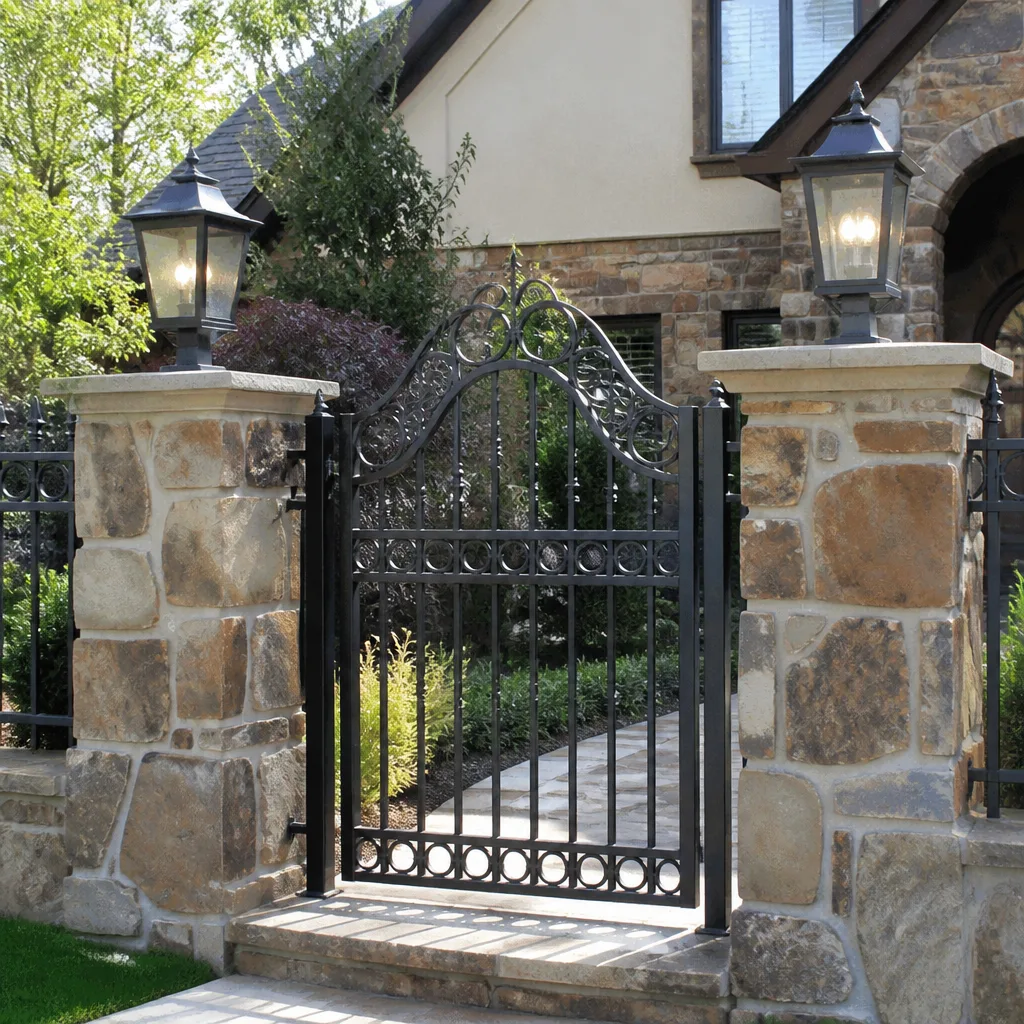 Wrought iron
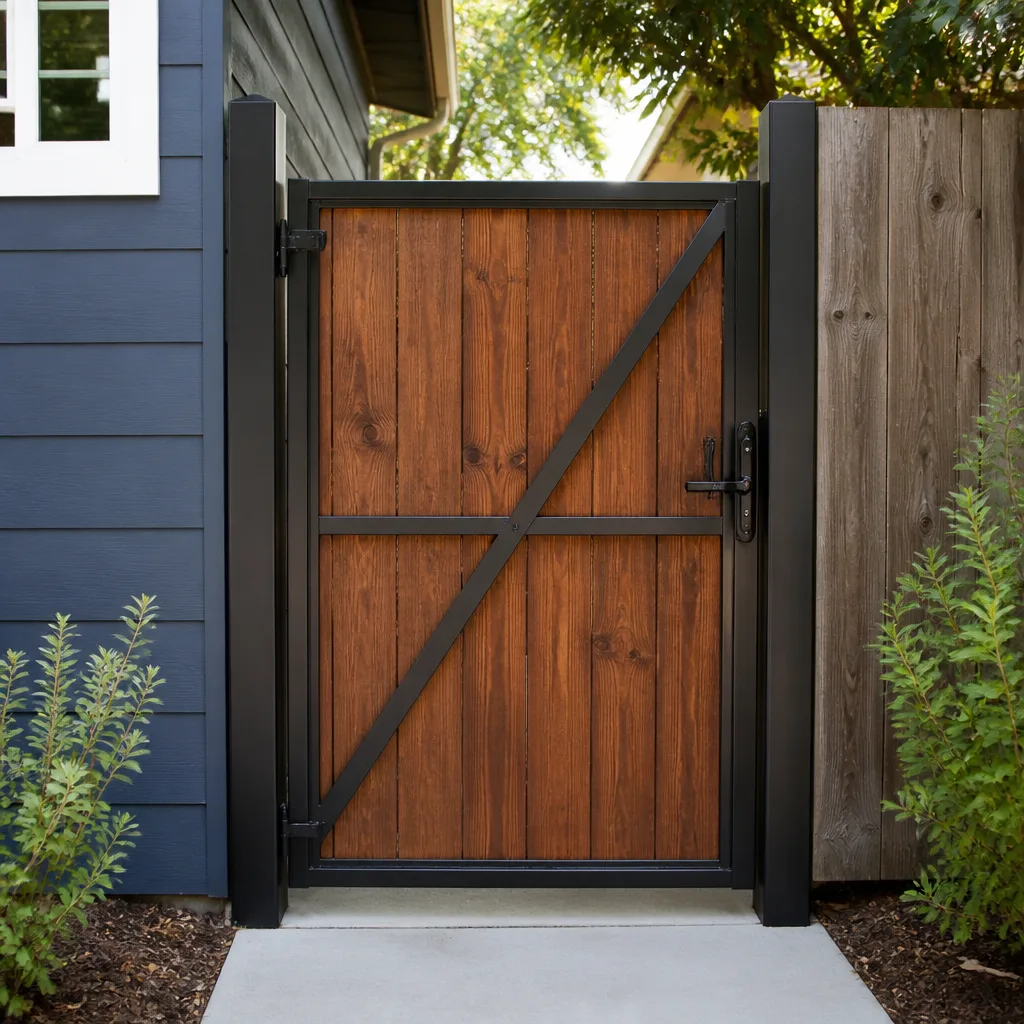 Wood & steel frame
 Farm & ranch
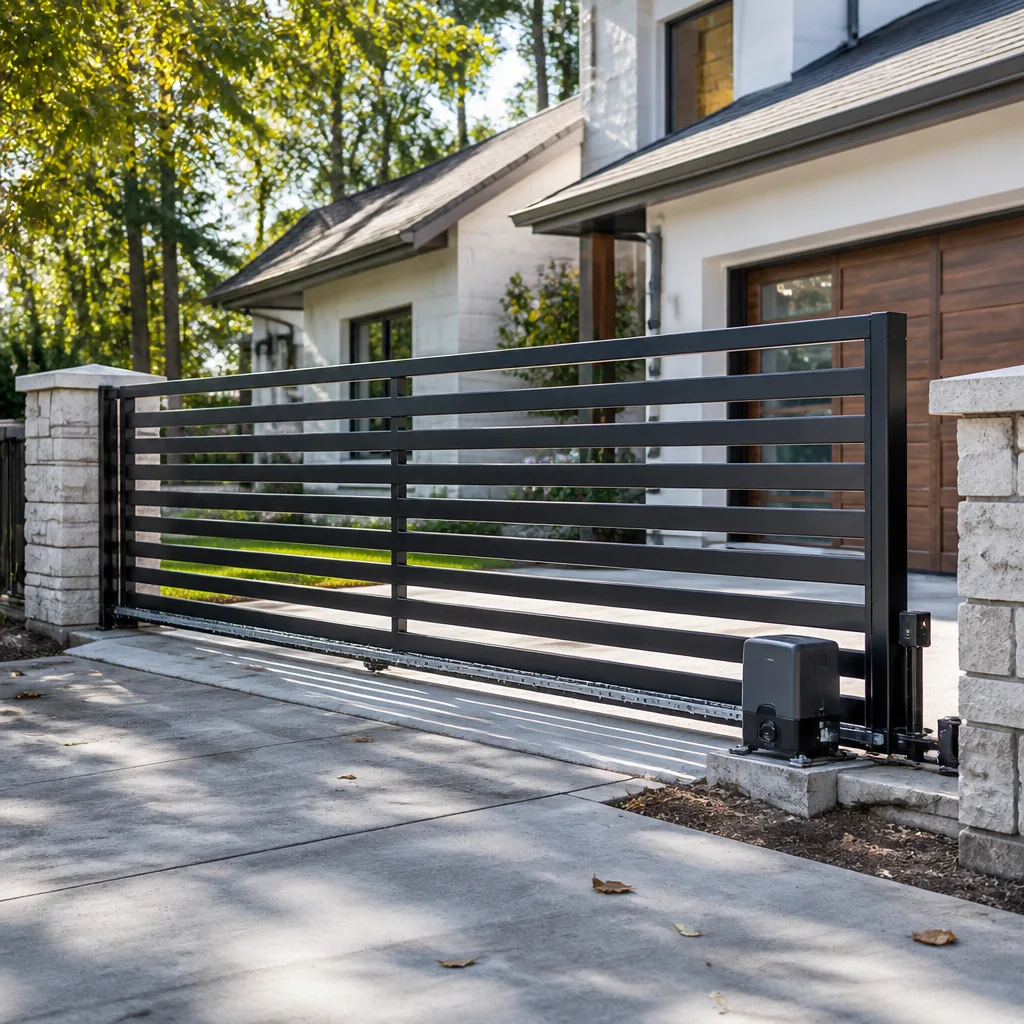 Sliding driveway gates
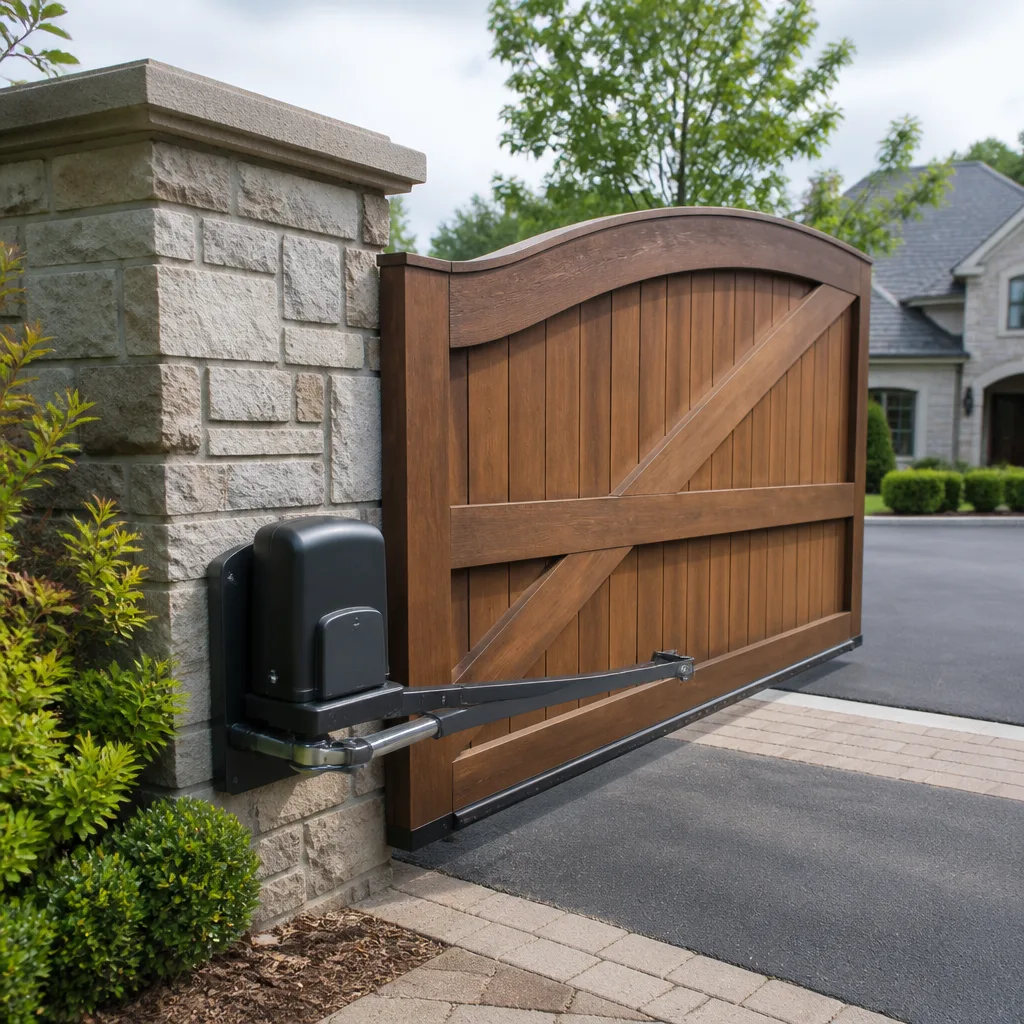 LiftMaster operators
Free on-site gate assessment - hinges, posts, and your LiftMaster or Nice gate operator checked before anything is quoted
The assessment is free and the quote is the invoice.
Get your free estimateGate Access Control Warning Signs Every Homeowner Should Know
If your gate hesitates for two seconds before responding to a valid credential, that’s not a software glitch. It’s a control board under thermal stress, and in Mesquite’s summer it will become a full failure within 30 to 60 days if left alone. Most homeowners read that pause as a quirk, a mood, a battery getting old. It isn’t any of those things. Access control systems are unusually honest – they broadcast their decline weeks before they quit. This guide teaches you to recognize those signals, sort them into adjust-now, call-today, and emergency categories, and know exactly what each behavior means before it costs you a full board replacement.
Quick Answer
The five warning signs of a failing gate access control system are delayed credential response, phantom triggering with no one at the gate, partial or stalled open cycles, error codes on the keypad or control board, and inconsistent reads of a credential that used to work every time. Any one of these is an early warning, not a nuisance. Caught early, most of these issues are adjustment or component-level repairs. Left alone through a Mesquite summer, they typically become full control board or motor failures at significantly higher cost.
Styles & brands we work with
- Wrought iron
- Wood & steel frame
- Farm & ranch
- Sliding driveway gates
- LiftMaster operators
Table of Contents
- The Five Behavioral Signals of a Failing Control Board
- Battery Backup Warning vs. Primary Power Problem
- How Mesquite Heat Turns “Fine in the Morning” into Afternoon Failure
- Credential Warning vs. Mechanical Obstruction Warning
- A Plain-Language Triage Guide: Adjust Now, Call Today, Emergency
- What We See Across DoorKing, LiftMaster, and Mighty Mule Systems
- Five Steps to Document a Warning Sign Before You Call
- Preventing Warning Signs From Becoming Failures
The Five Behavioral Signals of a Failing Control Board
A control board is the brain of your access system. It receives the credential, decides whether to open, sends power to the operator, and reports status back to the keypad. When the board begins to fail, it fails behaviorally – long before it fails completely. Watch for these five signals:
- Delayed response. A credential that used to trigger an instant open now takes two seconds, then three, then five. The delay is not software latency – it’s a control board struggling to process a signal it used to handle without effort.
- Phantom triggers. The gate opens with no vehicle present, no credential keyed, no remote pressed. Phantom triggers usually trace to a failing input channel on the board or a short in the wiring running to the keypad.
- Partial or stalled open cycles. The gate begins to open, then stops halfway, then either resumes after a pause or reverses entirely. A partial cycle is either a control board fault or a mechanical obstruction – the two look similar from the driver’s seat, which is why diagnosis matters.
- Error codes. Many boards display specific numeric codes when a component is failing. Write the code down before you call. A LiftMaster or DoorKing board that throws the same code three times in a week is telling you something specific, and it’s not the weather.
- Inconsistent credential reads. The same keypad code or remote that worked yesterday doesn’t work today, then works tomorrow. Inconsistent reads point to a fading receiver, a failing keypad membrane, or a control board that is losing its credential memory.
In Mesquite, we regularly see all five of these start in June and July as the ambient heat rises. By August, the pattern is undeniable. The homeowners who call at signal two spend half what the homeowners who call at signal five spend.
Battery Backup Warning vs. Primary Power Problem
This is the single most misread signal in access control, and it’s the one that costs homeowners the most money in unnecessary parts. From the keypad, a battery backup warning and a primary power supply problem look identical. The keypad lights, the gate won’t cycle reliably, a warning tone or code appears. That is where the similarity ends.
Here’s how to tell them apart without opening anything yourself:
- Battery backup warning. The gate works normally during the day and fails only during peak load or after long idle periods. The failure is intermittent and follows a pattern tied to how often the gate runs.
- Primary power problem. The gate fails consistently at the same point in every cycle, regardless of how often it runs. The keypad may dim when the operator engages, or the operator may hum and refuse to move.
- Both at once. The gate fails during peak load AND fails at the same point in every cycle. This is the case where a battery replacement alone won’t fix the issue, and a power supply replacement alone won’t either. It needs a proper diagnostic.
The reason this distinction matters: a battery backup is a wear item. It’s expected to be replaced. A primary power supply failure is a component-level repair on the operator or the dedicated circuit feeding it. Replacing the battery when the real problem is the power supply wastes a battery and delays the repair. Replacing the power supply when the problem is a tired battery overcharges you for a job that didn’t need doing. If your Mesquite gate is showing a warning that presents as either, get a proper measurement before you buy parts. Our Gate Motor & Opener in Mesquite team measures both systems on the same visit, which is why most of these jobs finish in one trip.
How Mesquite Heat Turns “Fine in the Morning” into Afternoon Failure
This is the Mesquite-specific pattern that shows up in our work every summer, and it’s the one homeowners most often dismiss because “it works fine in the morning.” A gate that operates flawlessly at 7 a.m. and fails at 3 p.m. is not a gate with a random problem. It’s a gate in thermal failure.
Control boards and operator motors are rated for a specific ambient temperature. In Clark County, the afternoon ambient often crosses that threshold, and the components inside the operator housing – which are already running warm from repeated cycles – cross it sooner. Under thermal stress, three things happen at once:
- The control board’s internal components drift. Capacitors lose their rating as they heat, and the board starts misreading signals. That’s why a credential that works at 7 a.m. fails at 3 p.m.
- The motor thermal cutout engages. Modern operators have a protective cutout that refuses to run the motor when it’s too hot. A gate that stops mid-cycle and works again after an hour is often doing exactly what it was designed to do.
- Wiring resistance rises. Exterior wiring running to the keypad or safety edges can drift in the heat, causing inconsistent reads or false obstruction triggers.
If your gate behaves this way, don’t assume the system is “going bad.” It may be telling you the operator needs ventilation clearance restored, the control board needs proper thermal management, or the operator needs to be replaced with a model rated for the temperatures our climate actually delivers. In Mesquite, that’s a seasonal reality, not a design flaw. The question is whether your specific operator was spec’d for it.
Credential Warning vs. Mechanical Obstruction Warning
This distinction saves more money than any other in this guide. A credential system warning and a mechanical obstruction warning can produce identical symptoms – the gate won’t open – but they require completely different repairs.
- Credential warning. The gate won’t open because the system isn’t accepting the credential. The keypad may show a red light, an error tone, or no response at all. The gate itself is physically free to move – it would open if the operator received a valid open command.
- Mechanical obstruction warning. The gate knows it’s being asked to open and is refusing. The operator may click or hum, but the gate doesn’t travel. This is the operator’s safety edge or obstruction sensor telling it something is in the way, or the gate’s physical track is binding.
How to tell the difference without tools: try a second credential. If your remote works but your keypad doesn’t, the system is fine and the keypad is the problem. If neither works but the gate moved yesterday with the same credentials, the problem is between the keypad and the operator. If the gate moves when you manually release it but won’t operate on any credential, the operator or the mechanical track is the problem.
Misreading one for the other wastes real money. Homeowners who assume a keypad failure end up replacing a keypad when the actual problem is a binding track, and vice versa. If you’re not certain which side is failing, our Gate Repair in Mesquite team runs the diagnostic on both in a single visit so you’re not guessing.
A Plain-Language Triage Guide: Adjust Now, Call Today, Emergency
Every warning sign in this guide falls into one of three categories. Here is how to sort them without panic and without waiting:
Adjust now (this week, no urgency)
- Keypad shows a soft error code once or twice a week, clears on retry
- Remote response is slightly sluggish in the afternoon but fine in the morning
- Safety edge triggers occasionally on windy days or after heavy rain
- Battery test warning appears but the gate still cycles reliably
Call today (within a few days)
- Credential inconsistency – the same code works sometimes and not others
- Partial open cycles that repeat during the same day
- Phantom triggering with no one at the gate
- The gate reverses at the same point in every cycle
- Error codes appearing daily or on multiple credentials
Emergency (stop, call now)
- Gate stuck open with no way to close it
- Gate stuck closed holding in or holding out a vehicle or person
- Electrical burning smell near the operator housing
- Visible sparking, smoke, or heat damage on the operator or control board
- Gate moving on its own with no credential and no schedule
One safety note that’s not negotiable: never open the operator housing yourself to inspect the control board, the motor, or the wiring. The high-tension components inside access control operators can hold lethal voltage, and the mechanical force of a moving gate is rated for hundreds of pounds. If your gate is showing any of the emergency signs above, keep everyone clear of the moving gate and call us. Our technicians are trained on the specific systems we service, which is why we recommend a professional look at any warning sign you can’t confidently categorize. This is not a “check it yourself” problem.
The category you land in determines how fast to act, not whether to act at all. Every sign in this guide is a real signal, and every sign is cheaper to fix at the earliest category.
What We See Across DoorKing, LiftMaster, and Mighty Mule Systems
Access control warning signs read differently depending on the brand on your gate. We see this every week in Mesquite, and the distinctions matter for what to watch for:
DoorKing systems tend to be homeowner-gate and estate installs, and they throw specific numeric error codes on the control board. When a DoorKing begins failing, the pattern is usually a code that repeats rather than a silent failure – if you can write down the code, we can usually identify the failing component before we arrive. DoorKing credential systems are common on gated entries in Mesquite’s larger lot developments, and they’re frequently paired with entry keypads or phone interconnect systems.
LiftMaster systems are the most common residential gate operators we service, and their warning signs tend to be behavioral rather than coded. Delayed response, phantom triggers, and inconsistent credential reads are all more common on LiftMaster boards than specific display codes. LiftMaster’s diagnostic is often in the pattern rather than the readout.
Mighty Mule systems (now largely serviced under the Ghost Controls umbrella for many residential installs) tend to show their early warnings through thermal behavior – the “fine in the morning, fails in the afternoon” pattern. Their control boards are designed for consumer-level thermal loads, and they’ll tell you clearly when the load has exceeded what they were designed to handle. If your Mighty Mule is showing that pattern, the fix is usually not a board replacement but a proper diagnostic of the operator’s thermal envelope.
Across all three brands – and the other six we’re trained on, including FAAC, BFT, Linear, Viking, Elite, and Ghost Controls – the diagnostic approach is the same. Measure before replacing. The most expensive mistake we see is a homeowner who replaced a control board when the real problem was a hundred-dollar power supply. Our Gate Installation in Mesquite team specs new systems for our climate so this pattern doesn’t repeat, and our repair team diagnoses existing systems on the same principle.
Five Steps to Document a Warning Sign Before You Call
The single best thing you can do as a homeowner is document the pattern before you call. Here’s exactly how:
- Write down the time and temperature. When the gate fails, note the time of day and the approximate outside temperature. If a pattern emerges (“fails every day after 2 p.m.”), that’s thermal information and it changes the diagnosis.
- Record the credentials tried. Note which credentials work, which don’t, and whether that changes. The difference between “the keypad code works but the remote doesn’t” and “neither works” is often the difference between a keypad problem and an operator problem.
- Photograph any error code or display. If your keypad or control board displays a code, photograph it. Codes clear on retry, and photographing them preserves the data your technician needs.
- Note the cycle behavior. Does the gate open halfway and stop? Reverse on closing? Reverse on opening? Does it stall at the same point every time? Each pattern points to a different system.
- Note anything else unusual. A humming motor, a clicking sound before failure, a burning smell, a dimmer-than-usual keypad light. These small observations shorten the diagnostic visit and often shorten the repair.
Every job at Ironworks Gate Co. Mesquite is protected by our written 90-Day Done Right Promise, which means if we got the diagnosis wrong, we come back and make it right. Documenting before you call protects both of us – it ensures the diagnostic is based on real pattern data rather than a single failure on a single afternoon.
Preventing Warning Signs From Becoming Failures
The best diagnosis is prevention. Here’s what actually prevents access control failures in our climate:
- Seasonal tune-ups. A proper tune-up checks the battery state, the control board diagnostics, the safety edits, the keypad integrity, and the operator’s thermal behavior before summer. Our seasonal tune-up is a scheduled visit and includes that full check.
- Battery replacement on a schedule. Backup batteries have a known service life regardless of how they’re used. Replacing on schedule is cheaper than replacing after a failure.
- Keypad cleaning and inspection. Keypads are exposed to sun, dust, and temperature swing. A cleaning and inspection at the same time as the tune-up catches warning signs before they become failures.
- Wiring inspection on older installs. Exterior wiring can degrade with heat over years. A visible inspection catches a bad run before it causes a phantom trigger.
- Operator ventilation. The housing needs breathing room. If landscaping has grown up around your operator, that’s reducing its thermal margin and shortening its life.
If your system is past its expected service life and you’re facing repeated warning signs, replacement is often cheaper over five years than repeated repairs. Our Ironworks Gate Co. Mesquite home page lays out the full scope, and our team can quote both repair and replacement on the same visit so you’re comparing real numbers, not guesses.
Common Mistakes to Avoid
- Treating a delay as a “quirk.” A two-second delay that appears once is a quirk. A two-second delay that appears every afternoon is a control board under thermal stress. The first is fine; the second is a warning.
- Replacing the battery when the power supply is failing. This is the most common wasted part we see. If the gate fails at the same point in every cycle regardless of run frequency, the battery is not the problem. Measure before replacing.
- Assuming keypad failure means keypad replacement. The keypad may be reporting an operator problem, not a keypad problem. A diagnostic on both sides of the system prevents the mistake.
- Waiting until the gate won’t open at all. By then, the repair usually involves a full control board or motor replacement rather than a component-level fix. The cost difference is significant. In Mesquite, the wait time from “sluggish in the afternoon” to “won’t open” is often under 60 days in summer.
- Using a general handyman for access control. Access control is a specialized combination of low-voltage electronics, dedicated power, and mechanical operator work. A generalist who doesn’t know your specific brand can spend hours diagnosing what a brand-trained technician identifies in minutes.
- Ignoring phantom triggers. A gate that opens with no one at it is not a haunted gate; it’s an input channel failing or a wiring short. Ignored, phantom triggers eventually become safety hazards – a gate that opens on its own can open onto a street.
- Opening the operator housing to “take a look.” The components inside hold lethal voltage and the mechanical force of the gate is rated for hundreds of pounds. This is not a “look inside” problem. Keep the housing closed and call a trained technician.
See the difference
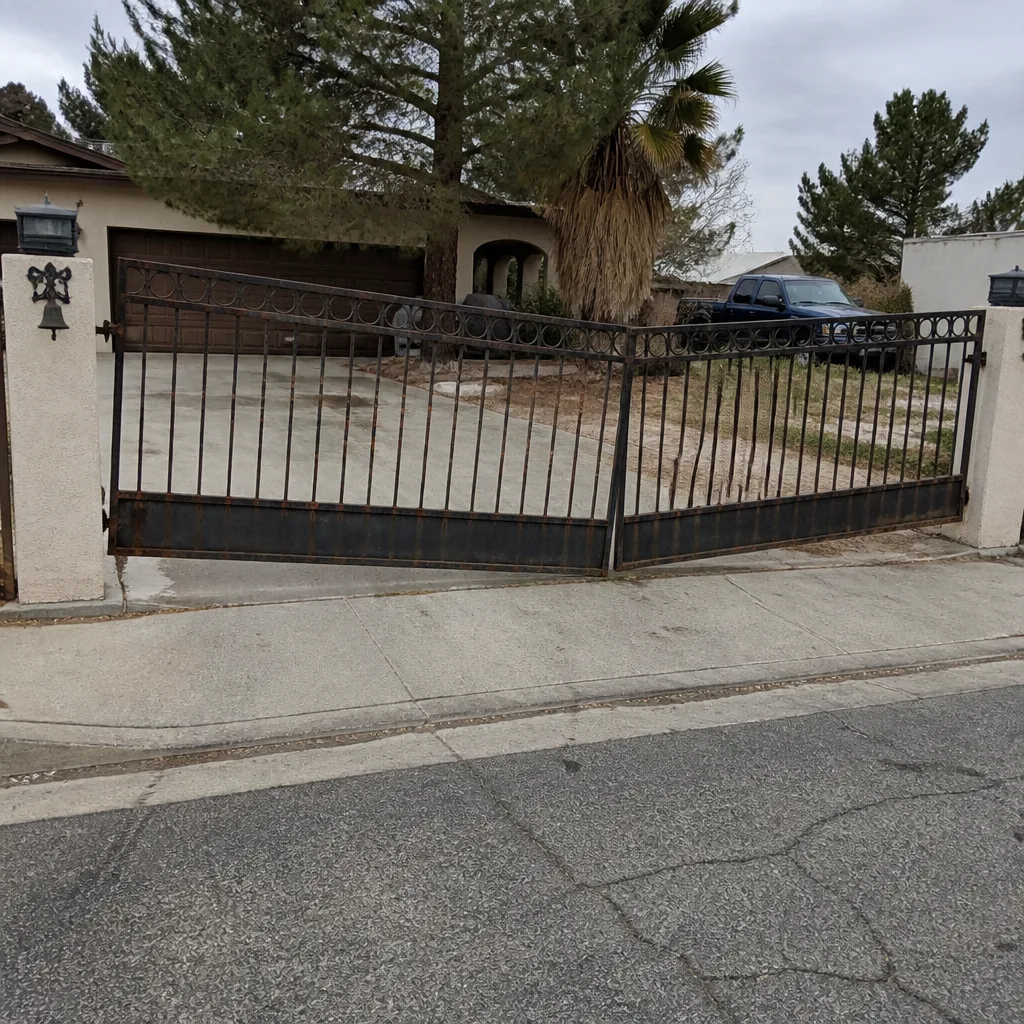 Before
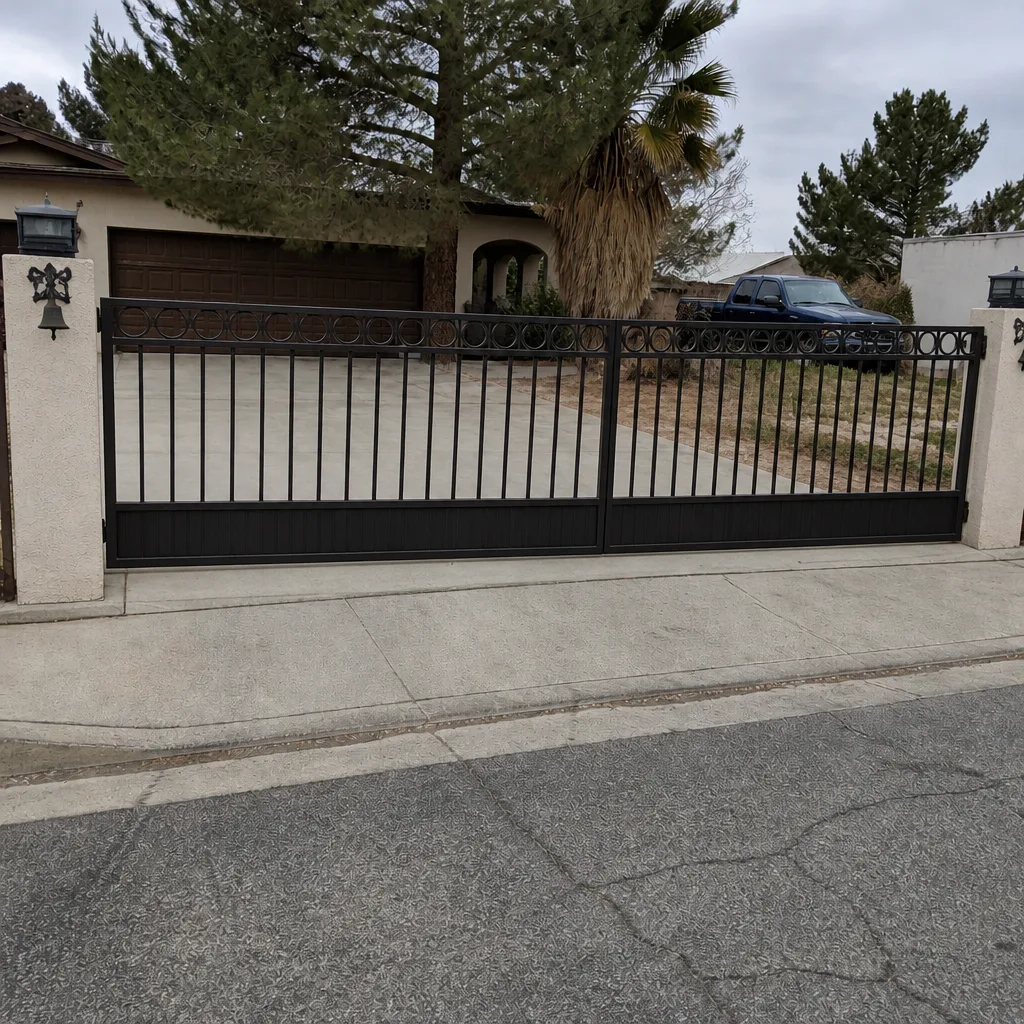 After
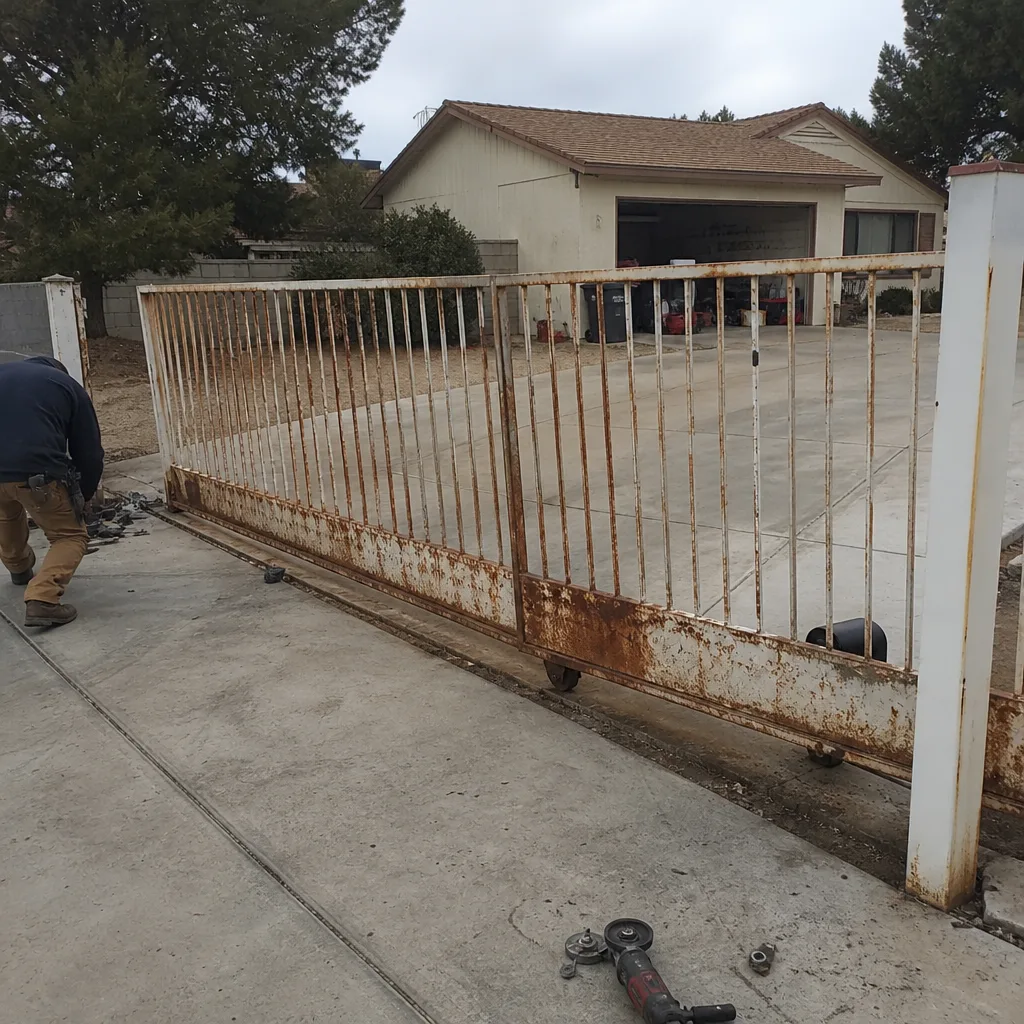 Before
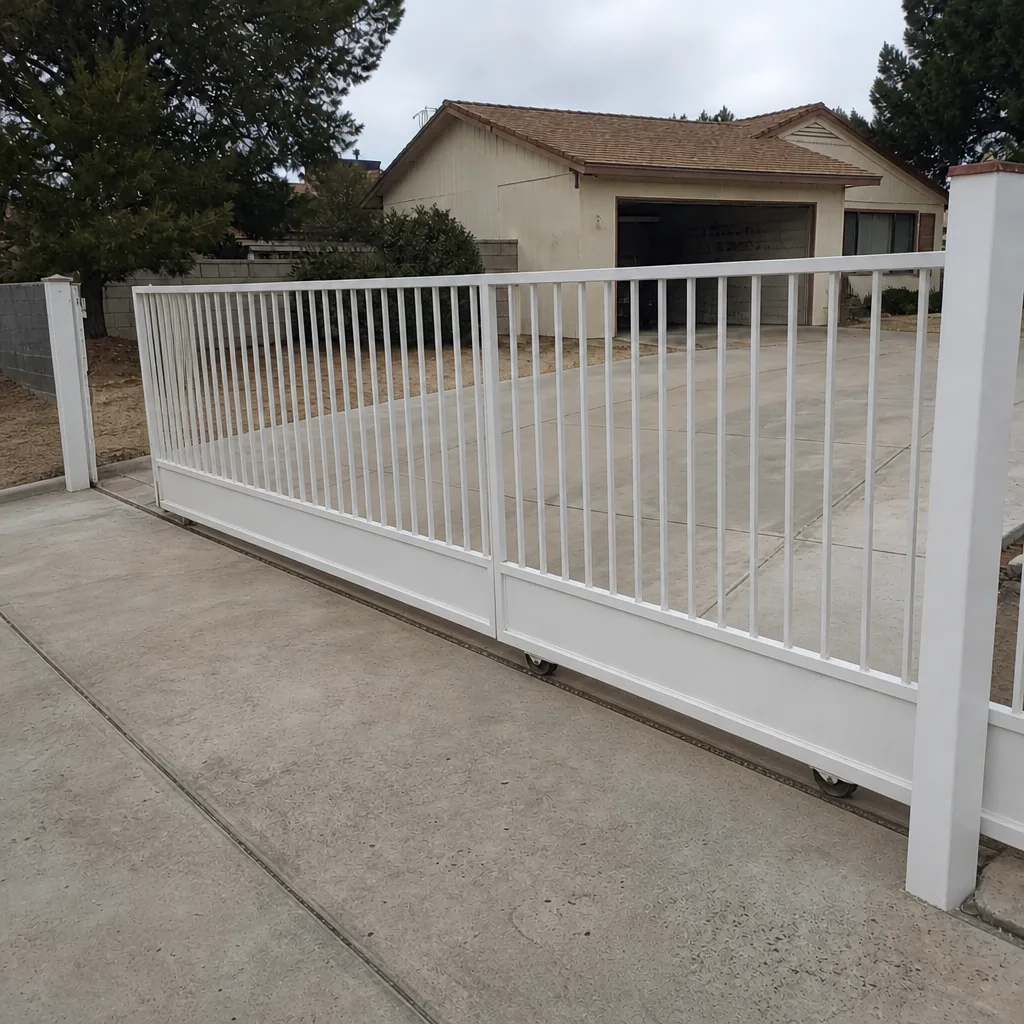 After
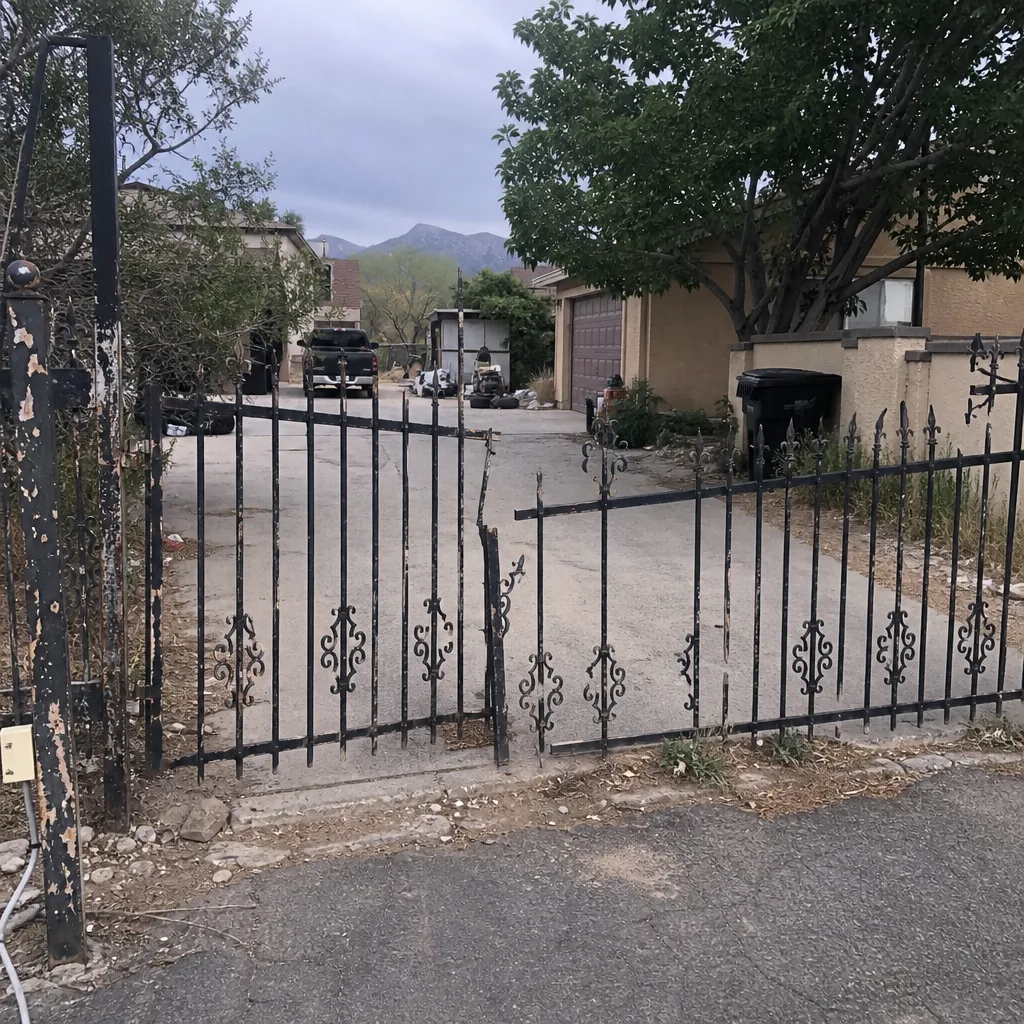 Before
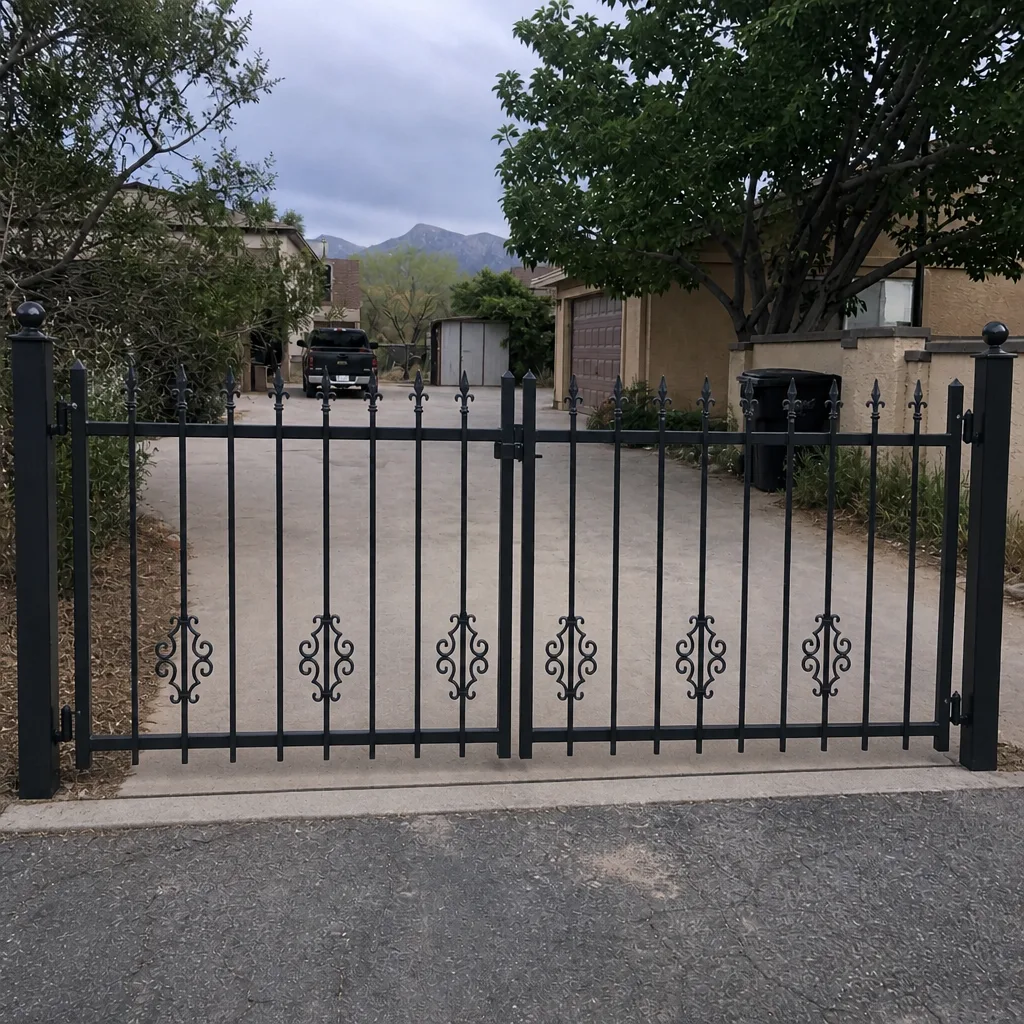 After
When to Call a Professional
Call a professional the moment any warning sign in this guide appears on your gate. Specifically: call today if the same credential works inconsistently, if the gate reverses at the same point on any cycle, if phantom triggers occur, or if any error code appears more than once. Call immediately if the gate is stuck open or closed, if you smell burning near the operator, if the gate moves with no credential, or if any part of the system shows visible sparking or heat damage. Ironworks Gate Co. Mesquite offers free estimates in Mesquite, and a live person answers the phone at any hour. We’re trained on the major access control brands, so the correct fix is made on the first visit. Call (844) 797-2573 – estimates are free, and the diagnosis is what saves you the expensive repair.
Frequently Asked Questions
Most access control repairs in Mesquite run between $180 and $450 depending on the component – battery replacement is at the low end, control board repair or replacement is at the higher end. The price is quoted and agreed before any work starts, and we measure the system before replacing parts so you’re not paying for a component that wasn’t the problem. Call (844) 797-2573 for an exact quote.
Yes. Access control failures are one of our same-day repair categories, and a live person answers the phone 24 hours a day to schedule it. Keep everyone clear of the gate until a technician arrives, and if the gate is holding in a vehicle, tell us that when you call so we prioritize it. Call (844) 797-2573.
That’s thermal failure. In Mesquite, the afternoon heat pushes a control board past its designed operating range, and the system that worked fine at 7 a.m. starts drifting at 3 p.m. The fix is usually a diagnostic of the operator’s thermal behavior, not a full board replacement. Call (844) 797-2573 for a free estimate.
If the gate fails only during peak load or after long idle periods, it’s usually the battery. If it fails at the same point in every cycle regardless of run frequency, it’s usually the power supply or the operator. If it fails during both, it needs a proper measurement. Don’t guess – call (844) 797-2573 and we’ll measure both on the same visit.
Yes. We handle the full access control scope – the dedicated power, the safety edges, the keypads, the credential systems, and the operator. That’s all part of our access control service, and the diagnostic covers all of them together so nothing is left half-diagnosed. Call (844) 797-2573 for a free estimate.
Yes. An access control system that’s been in place for years without a proper inspection has hidden warning signs you can’t see from the driver’s seat – faded batteries, degraded wiring, drifting thermal behavior. A proper inspection catches all of them, and our seasonal tune-up is designed for exactly this. Call (844) 797-2573 for a free estimate on a full inspection.
The Bottom Line
Access control systems warn you long before they fail, but the warnings come as behavior, not as explicit failure. Delayed response, phantom triggers, partial cycles, error codes, and inconsistent reads are the five early signals. In Mesquite’s heat, the pattern is often thermal: fine in the morning, failing in the afternoon. Document the pattern before you call. Distinguish a battery warning from a power supply problem before you buy parts. Distinguish a credential warning from a mechanical obstruction before you replace a keypad. And when a sign lands in the “call today” category, act. The repair at the early sign costs a fraction of what the failure costs at the late sign. Done right – and backed in writing – is cheaper than done twice.
When your gate starts telling you something is wrong, call (844) 797-2573. We’ll diagnose the pattern, quote the price before any work starts, and stand behind the job with our written 90-Day Done Right Promise. Estimates are free, a live person answers every call, and we’ll be there when we say.
Written by the team at Ironworks Gate Co. Mesquite.