
Last updated November 17, 2026
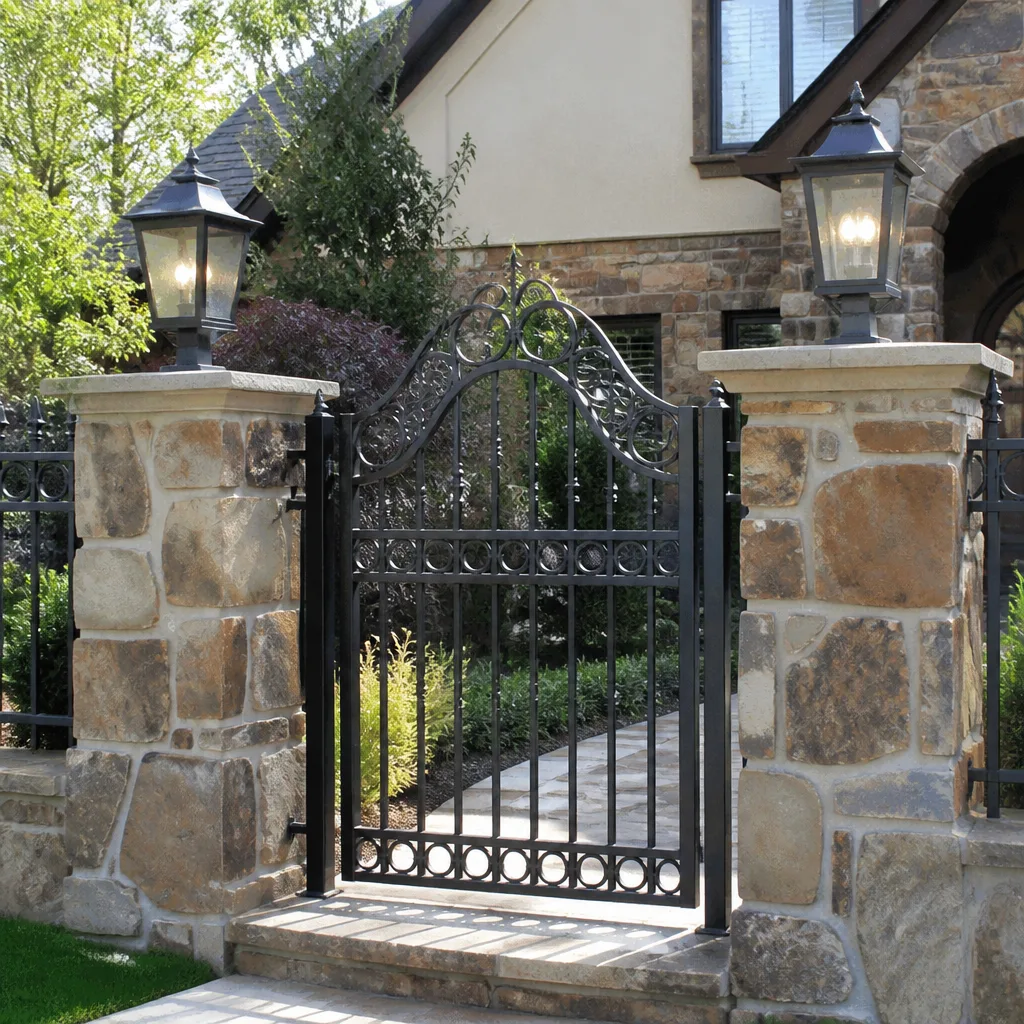 Wrought iron
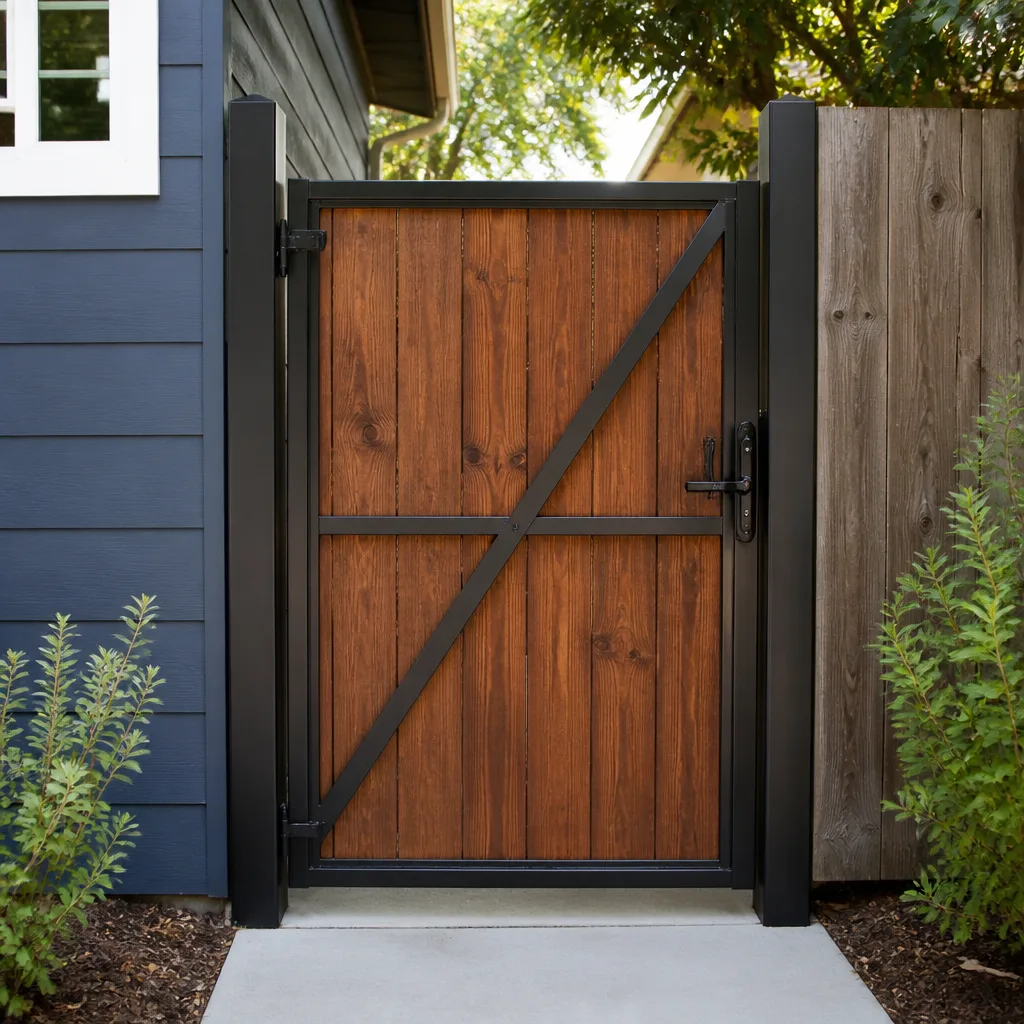 Wood & steel frame
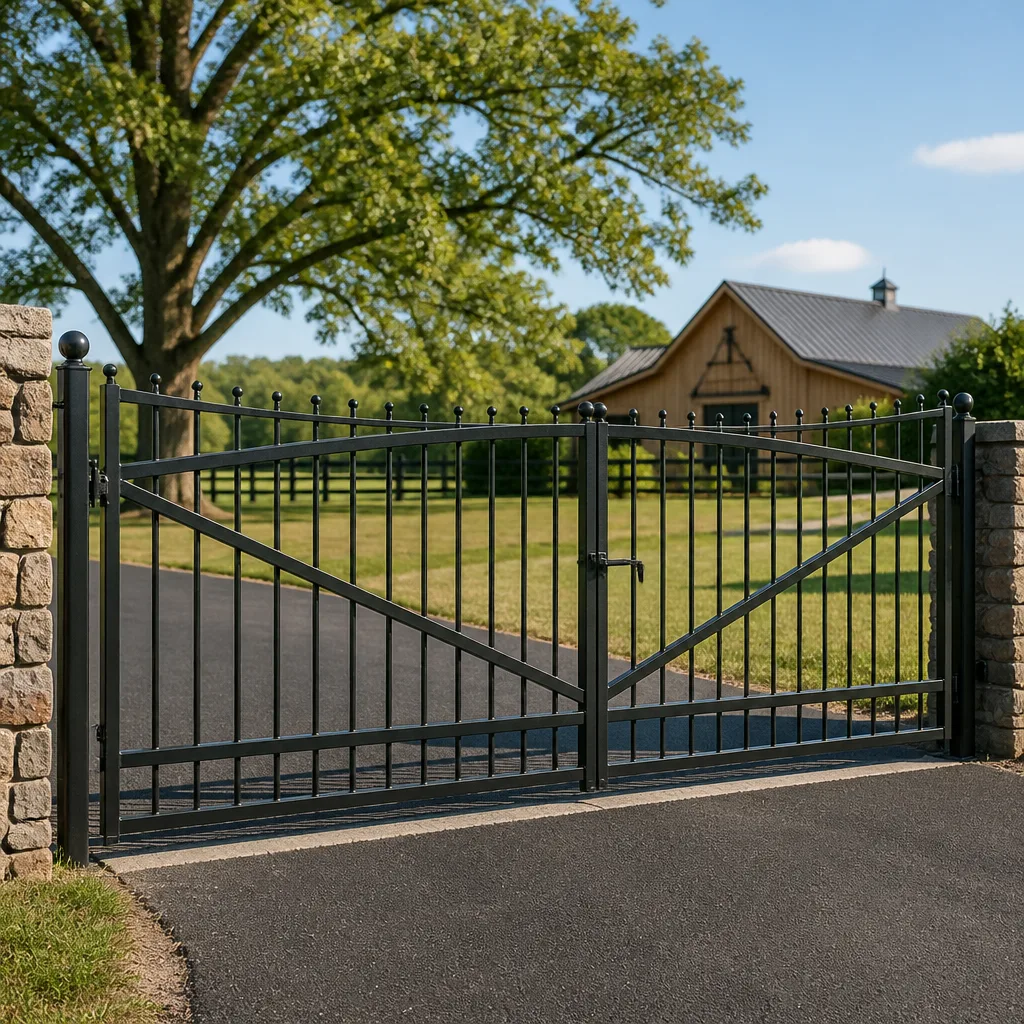 Farm & ranch
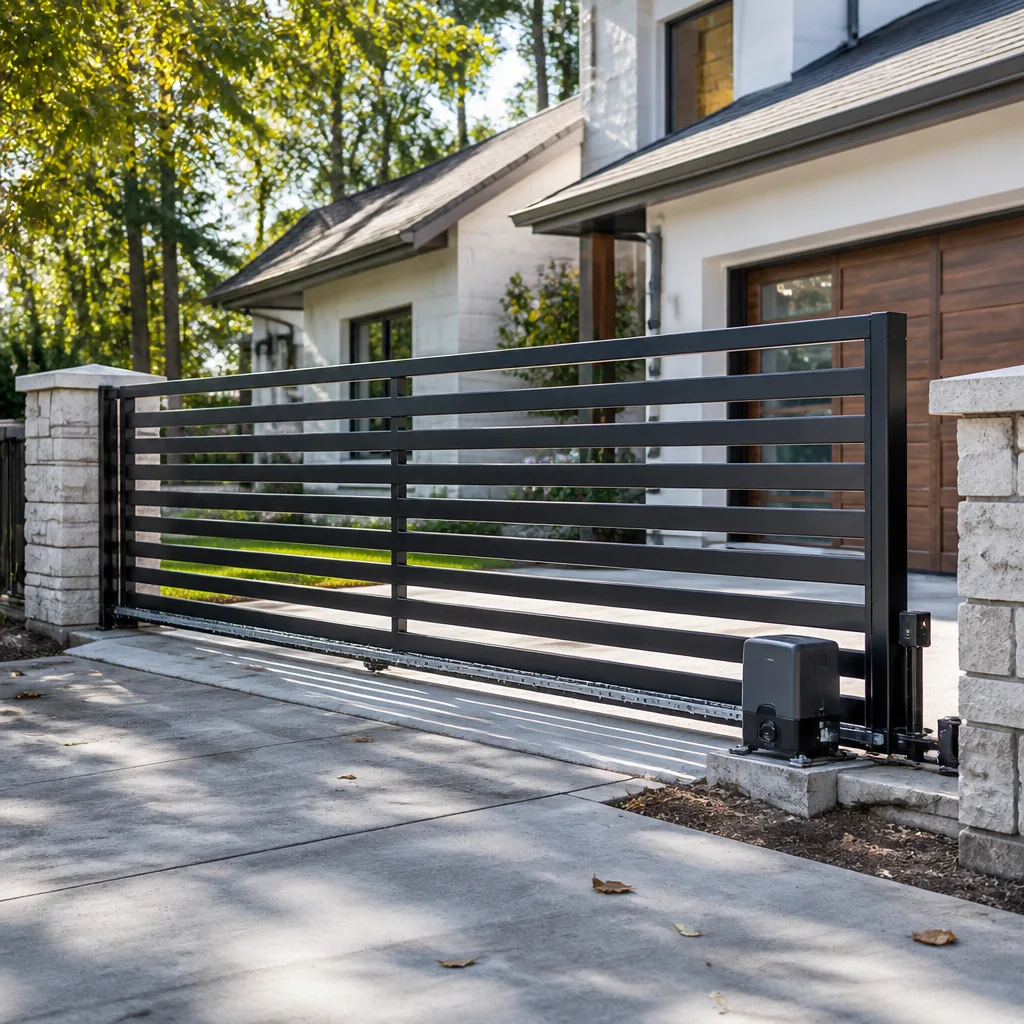 Sliding driveway gates
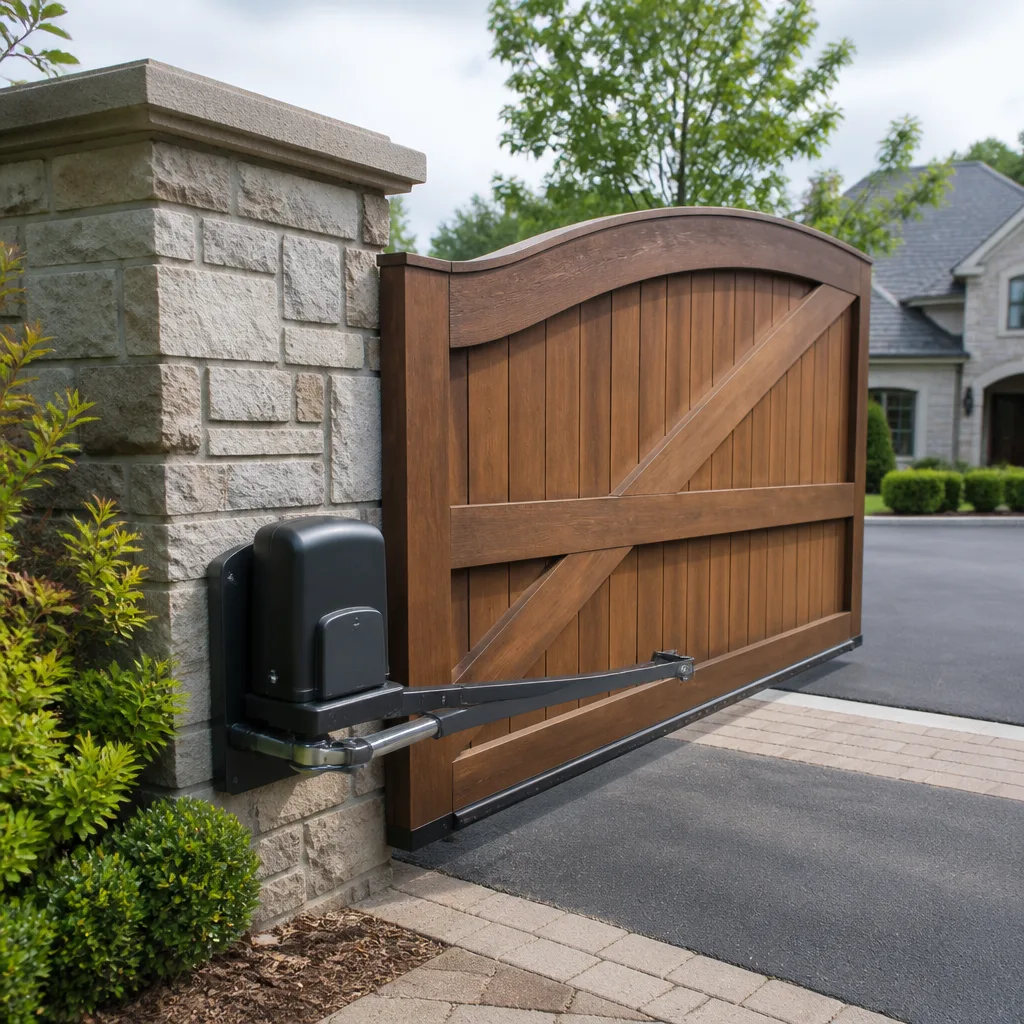 LiftMaster operators
Free on-site gate assessment - hinges, posts, and your LiftMaster or Nice gate operator checked before anything is quoted
The assessment is free and the quote is the invoice.
Get your free estimateThe Complete Gate Access Control Guide for Mesquite Homeowners
Here’s what we’ve learned after years of servicing gates across Mesquite: almost every access control problem we’re called out to fix isn’t a hardware failure. It’s a design failure. A homeowner bought a $49 keypad from a big-box store, wired it to a 15-year-old opener board, and spent two years fighting with a system four people use. Or they were talked into a commercial-grade intercom with a cloud subscription they never log into. Somewhere between those two extremes is the right tier of control for your household, and finding it takes about twenty minutes of honest thinking. This guide walks you through the four tiers, what each actually costs, how Mesquite’s cellular coverage affects your choice, and what managing credentials really looks like over three years.
Quick Answer
The right access control tier for most Mesquite homeowners is a standalone keypad paired with a wired or wireless exit device and a reliable opener board, typically $250 to $650 installed. Card and fob systems make sense only if you have more than six regular users or a shared driveway. Video intercoms and smartphone-integrated systems are worth the jump only when you regularly admit visitors you can’t see from the house, or when cell coverage on your property supports cloud-dependent hardware. Buy for your actual daily life, not the brochure.
Styles & brands we work with
- Wrought iron
- Wood & steel frame
- Farm & ranch
- Sliding driveway gates
- LiftMaster operators
Table of Contents
- The four access control tiers, honestly compared
- Keypads: what they cost and where they fail
- Why Mesquite’s cell coverage decides your system
- The credential management reality nobody warns you about
- How access control meets the opener board
- HOA gates vs. privately-gated homes in Mesquite
- What access control costs in Mesquite
- The installation process, step by step
The four access control tiers, honestly compared
Access control on a residential gate breaks into four tiers. Each one solves a different problem. The mistake is buying up a tier because it sounds better, or buying down a tier because it’s cheaper, without matching the tier to what your household actually does every day.
- Tier 1 – Keypad. A numbered pad on a post or pedestal. You type a code, the gate opens. Standalone units run $80 to $250 in parts. Wired keypads with metal housings and weather-rated buttons run at the top of that range. This is the workhorse of residential access control, and for a household with two to four regular users it’s almost always the right call.
- Tier 2 – Card and fob. Each user carries a card or key fob. Tapping it opens the gate. Costs $400 to $1,200 installed for a reader, controller, and a set of credentials. It makes sense when you have more than six regular users, a shared driveway, or a rental on the property where you want to revoke access cleanly when someone moves out.
- Tier 3 – Intercom with video. A caller presses a button, your phone or a wall station rings, you see them and decide. Costs $1,200 to $3,500 depending on wiring and whether the indoor station is wired or wireless. Justified when your gate is out of sight from the house and visitors arrive without calling ahead.
- Tier 4 – Smartphone-integrated. An app opens the gate from anywhere. Often combined with Tier 2 or 3. Costs $800 to $2,500 on top of the base system, plus possible subscription fees of $5 to $15 a month. Worth it if you travel or manage a second home. Overkill if you’re home most days and can see the gate from the kitchen.
In our experience, about eight in ten Mesquite homes we service are best served by Tier 1 or a Tier 1 plus Tier 2 combination. The higher tiers aren’t wrong; they’re just frequently sold to people who won’t use them.
Keypads: what they cost and where they fail
A keypad is the simplest access control device you can put on a gate. It’s also the device we replace most often, and almost always because of two predictable failures.
The first failure is weather. Mesquite runs hot and dry most of the year, then catches a monsoon season that dumps rain fast. Cheap plastic keypads crack in the sun within three or four summers. The buttons get sticky, the membrane lifts, and the numbers stop registering. A keypad with a metal or cast-aluminum housing, rated for outdoor use and mounted on a post that gets some shade, lasts years longer. The price difference is $40 to $80. Take the metal one.
The second failure is the wiring run. A keypad needs power and a low-voltage signal wire back to the gate operator. If the wire was run when the driveway was poured, that’s easy. If not, a wireless standalone keypad or a solar-assisted unit avoids trenching entirely. On older Mesquite properties where the gate predates the keypad, wireless is often the clean choice, and we’ll say so plainly before quoting any trench work.
What a good keypad install includes:
- A weather-rated keypad with a metal or cast housing
- A mounting post or pedestal at 42 to 48 inches, at a height the shortest regular user can reach comfortably
- A dedicated low-voltage run, or a wireless alternative with fresh batteries
- Wiring to the gate operator’s accessory terminals, not looped off the safety edge circuit
- Testing of the code entry, exit device, and photo-eye safety reversal, all in the same visit
Why Mesquite’s cell coverage decides your system
This is where access control gets specific to where you live. Mesquite sits in the Virgin River valley, with the Virgin Mountains to the south and east and the Mormon Mesa rising to the north. Cell coverage varies block to block and property to property. A home on flat ground near the Mesquite Municipal Golf Course might have full bars on every carrier. A property in the foothills or behind a ridge can have a dead zone right at the gate.
Why that matters: cloud-dependent access control and smartphone-integrated systems live or die on a live cellular or Wi-Fi connection at the gate. If your gate has poor signal, a cloud system will drop commands, lag by seconds, and open unreliably. The system then depends on a stable home Wi-Fi connection reaching the gate, which is a whole other install consideration.
Before choosing any cloud-dependent tier, do this:
- Stand at the gate with each phone your household actually uses.
- Check signal bars and run a speed test. Note whether the bar count drops when you walk behind the gate’s steel pillars.
- If your home Wi-Fi doesn’t reach the gate with at least two bars, add a mesh node or a dedicated point-to-point link before you buy a Wi-Fi system.
- If signal is marginal on both cell and Wi-Fi, choose a standalone system with local credential storage. A wired keypad or a local card reader will work when the network doesn’t.
Standalone systems from brands like Linear and BFT keep credential logic on the gate itself, so a dropped connection doesn’t stop the gate. That’s a feature for Mesquite, where the foothills and the mesa edges can surprise you.
The credential management reality nobody warns you about
Here’s the part nobody tells you when you buy the first system. Over three years you will manage a credential database. Not a big one, but a real one. Let’s trace what that looks like.
Year one. You have four codes: you, your spouse, your adult daughter, and the housekeeper who comes every other Tuesday. Life is simple. You change the code once because you gave a contractor a temporary one and forgot to clear it.
Year two. The housekeeper has turned over once. You’ve had a delivery service, a landscaping crew, and a pest control tech all briefly needing access. You’ve forgotten which codes are live and which aren’t. The gate has opened at odd hours and you can’t tell if that was the neighbor or a stale code you should have revoked.
Year three. A family member has moved in and out. A rental on the property changed hands. You’re now keeping a sticky note of codes in a kitchen drawer, and you can’t remember which one is which.
The fix is a system that lets you manage credentials cleanly. A keypad with a master code plus individual user codes and a delete function handles this at Tier 1. A card system with numbered cards and a management app handles it at Tier 2. Any cloud system will do this by definition. Standalone keypads from Viking and Ghost Controls offer honest user-code management without a subscription. The exact feature to check for is individual user code slots with a delete function and a manager code – not just “supports multiple codes.”
How access control meets the opener board
Every access control device has to talk to the gate operator’s control board. On a residential swing or slide gate, the operator’s board has dedicated terminals for accessories – open, close, stop, safety edge, photo-eye, and typically a “fire” or “free exit” input. The access control device wires to the “open” input, and the gate opens.
Two things go wrong here.
Mismatched systems. A homeowner buys a card reader from one brand, an opener from another, and a keypad from a third. None of them share programming logic. The reader sends a pulse the board doesn’t recognize. The keypad is on the wrong voltage. The exit device fires the gate but the photo-eye doesn’t reverse it, so the gate closes on a moving car. When we open a gate cover and find three different manufacturer logos, we know we’re in for a programming session.
Wrong voltage or wrong control signal. Most residential gate boards use 12 or 24 volts for accessories. Commercial readers and intercoms sometimes expect 24 volts or a specific dry-contact signal. Put a 24-volt reader on a 12-volt board and it either won’t power up or will be intermittent. Put an accessory on the wrong loop and the safety system can be defeated.
The straightforward fix is to choose an access control device that’s compatible with your gate operator brand. Our technicians are trained on nine gate automation brands – LiftMaster, FAAC, BFT, Linear, Viking, Ghost Controls, DoorKing, Elite, and Mighty Mule – so we match hardware to the board you have. In our experience, one brand family on the gate keeps the programming sane and the gate reliable. If you’re starting from the operator side, our Gate Motor & Opener in Mesquite page walks through how the opener controls the gate itself.
HOA gates vs. privately-gated homes in Mesquite
An HOA gate and a private driveway gate are different problems, and they get confused.
HOA gates are shared infrastructure. The HOA owns the gate and the access control system. To add a new resident credential, the HOA or its management company does it, usually for a fee. To get a keypad repaired or a reader replaced, the HOA board approves the work. Residents rarely have a say in the tier of system. The access control device is usually a commercial-grade keypad or card reader, often from DoorKing or Linear, wired to a shared controller. The credential management is centralized. If your HOA gate is failing to recognize your card, it’s a board and management issue, not something you can fix on your own gate post.
Privately-gated homes are yours to decide. A homeowner with a gated driveway controls the tier, the brand, and the credentials. That’s where the decisions in this guide apply. The gate and the access control are yours.
Where the two overlap: some Mesquite neighborhoods have a private gate at the curb plus a second gate at the house. The curb gate is often HOA-managed, and the house gate is private. Match the private gate’s access control to the household’s needs, not to the HOA gate’s commercial spec. Buying commercial gear for a four-person household is the exact over-specification this guide is about.
What access control costs in Mesquite
Here are the ranges we see on real Mesquite jobs. These are installed prices that include hardware, wiring, programming, and safety testing. Prices vary with trenching needs, gate operator brand, and post or pedestal work. The price is quoted and agreed before any work starts, so you know the number on the invoice before the first bolt is turned.
| System | Typical Installed Range | Best For |
|---|---|---|
| Standalone keypad, wireless | $180 – $320 | 1-4 users, no trenching |
| Wired keypad, metal housing | $280 – $650 | 1-6 users, existing buried conduit |
| Card / fob reader + credentials | $400 – $1,200 | 6+ users, shared driveway, rentals |
| Video intercom, wired | $1,400 – $3,500 | Gate out of sight, appointments |
| Smartphone-integrated add-on | $800 – $2,500 + $5-15/mo | Travelers, second-home owners |
| Exit device (loop or push button) | $150 – $350 | Any system – lets you out cleanly |
| Programming and safety testing | $75 – $150 | Every install |
A free second opinion on any written estimate is one of the standing offers from our side – if another company quoted you $3,200 for a video intercom you’re not sure you need, we’ll tell you plainly whether a keypad solves the problem for less. Our Gate Repair in Mesquite page covers what a repair call looks like when an existing system fails.
The installation process, step by step
Here’s how a Mesquite access control job actually runs. The steps don’t change much between tiers – the only difference is how much gear goes on the post.
- Site visit and signal check. We look at the gate, the operator, the existing wiring, and run the cellular and Wi-Fi check at the gate before recommending a tier.
- Written quote. You get the exact tier, brand, and installed price in writing. Nothing begins until you approve it.
- Wiring run or wireless setup. If a buried low-voltage run exists, we use it. If not, we recommend a wireless or solar option to avoid trenching cost.
- Post or pedestal install, if needed. Keypads and readers mount at 42 to 48 inches, on a post that sheds Mesquite rain and takes the summer sun without cooking the electronics.
- Control board integration. The new device wires into the correct accessory terminals on the gate operator, with voltage verified. Not spliced off a safety circuit.
- Program credentials. Master code, user codes or cards, exit device, and photo-eye reversal all get programmed and tested together.
- Safety test and walk-through. We test reversal, safety edges, and the exit loop with you watching, then hand you the credential list and the written 90-Day Done Right Promise.
New installs are measured, ordered, and scheduled – we don’t promise same-day on new gate work, and we don’t have to. Most installs run on a planned schedule once the hardware is in hand, and the crew arrives with everything checked and tested before a bolt is turned. If you’re starting from scratch rather than upgrading an existing system, our Gate Installation in Mesquite page covers the full gate build and the automation that goes with it.
Common Mistakes to Avoid
- Buying a big-box keypad for a Mesquite summer. A plastic keypad rated for a mild climate will bake in a Mesquite July and start missing button presses by year three. Pay for the metal housing now and skip the replacement.
- Picking a cloud system without checking signal at the gate. Test the actual gate location on every household phone before you buy. A cloud system with a weak signal will drop commands and feel unreliable, and the problem isn’t the system.
- Wiring access control into the safety edge circuit. We’ve opened gate covers where an installer wired the keypad off the photo-eye loop to save a wire run. The keypad “worked,” but the safety reversal was defeated. That’s the wrong kind of shortcut.
- Mixing three brands on one gate. A card reader, a keypad, and an opener from three manufacturers rarely share programming logic. Pick a compatible device and keep the family consistent where you can.
- Skipping the exit device. A keypad that opens the gate from outside doesn’t help you get out from inside. Every residential install needs a loop, a push button, or a wireless exit device that fires the gate from the driveway side.
- Skipping the credential reset. A keypad with no delete function is a keypad with a permanent code. When a contractor or housekeeper moves on, that code stays live. Buy one with user slots you can actually delete.
- Buying HOA-grade commercial gear for a private gate. A commercial intercom your household doesn’t understand is money spent for features you’ll never use. Match the tier to the four people who actually open your gate.
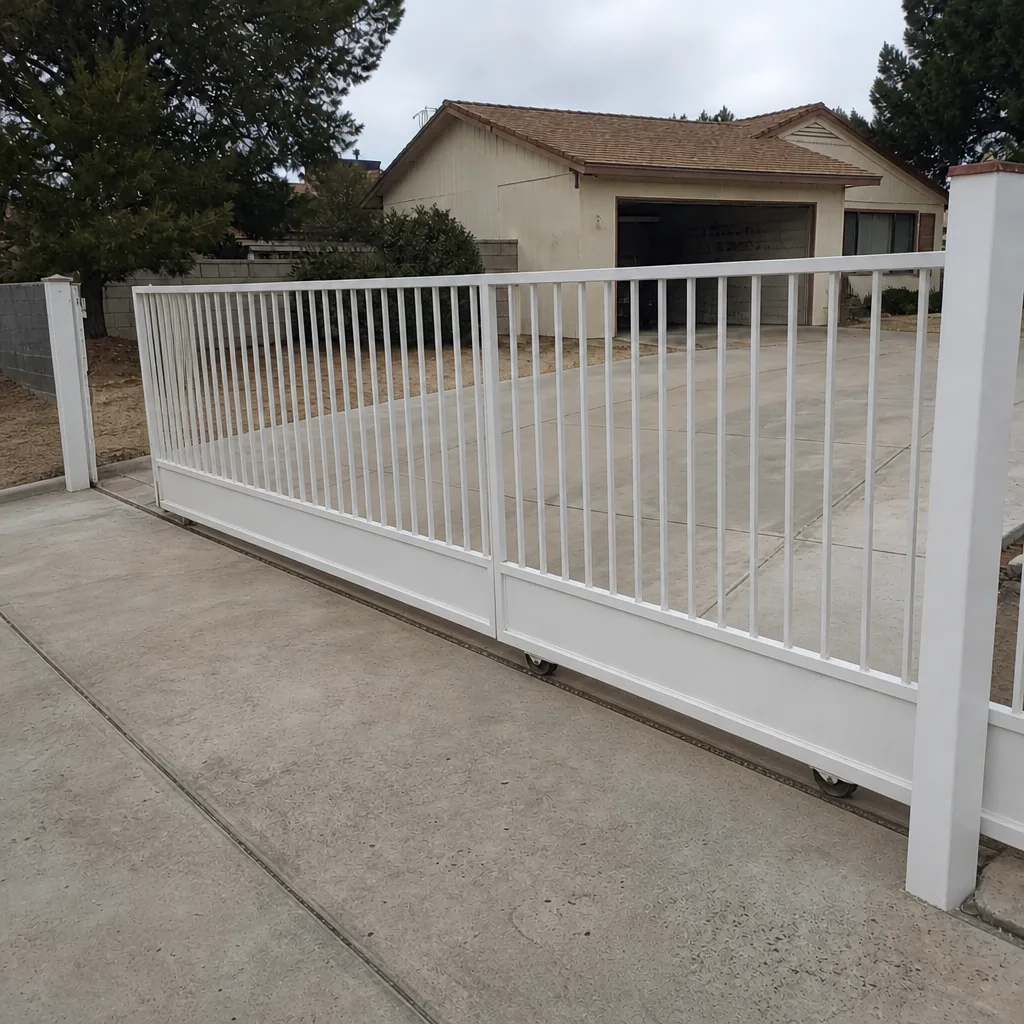
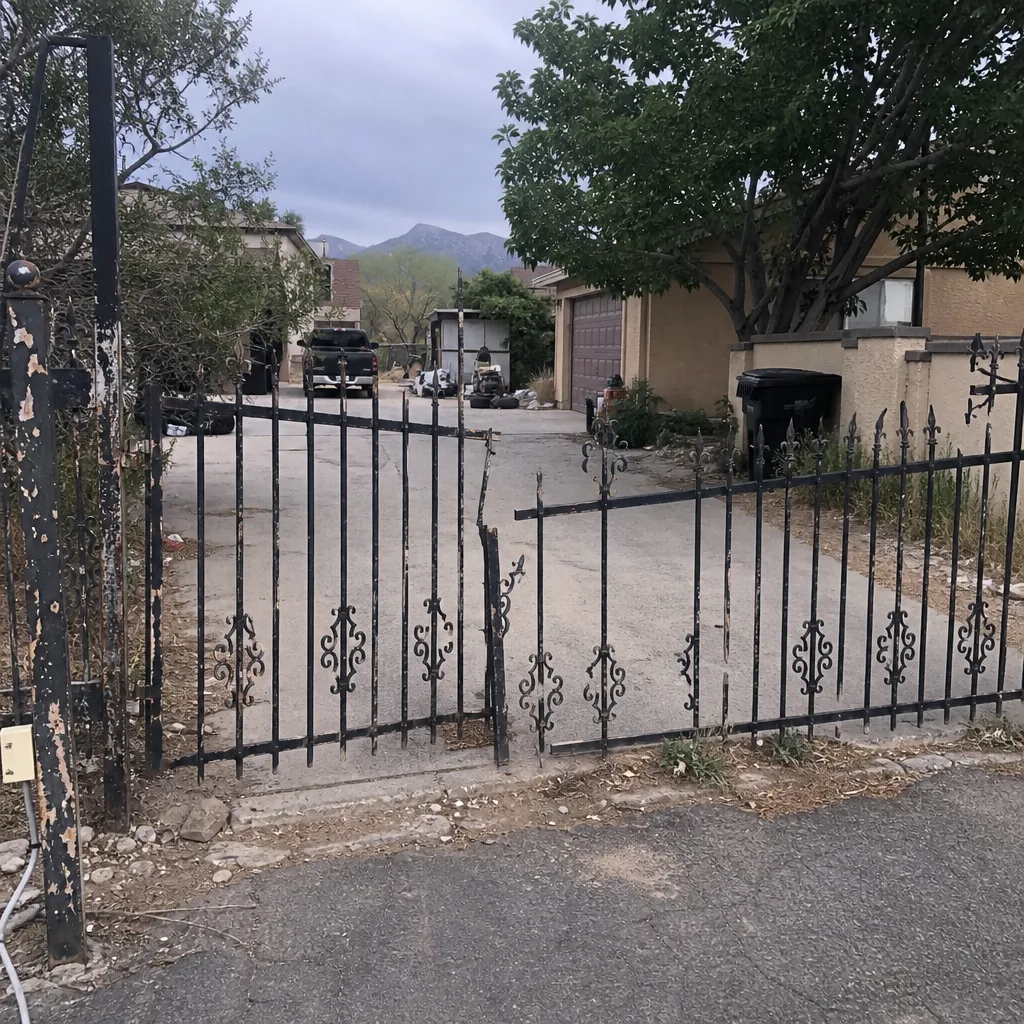
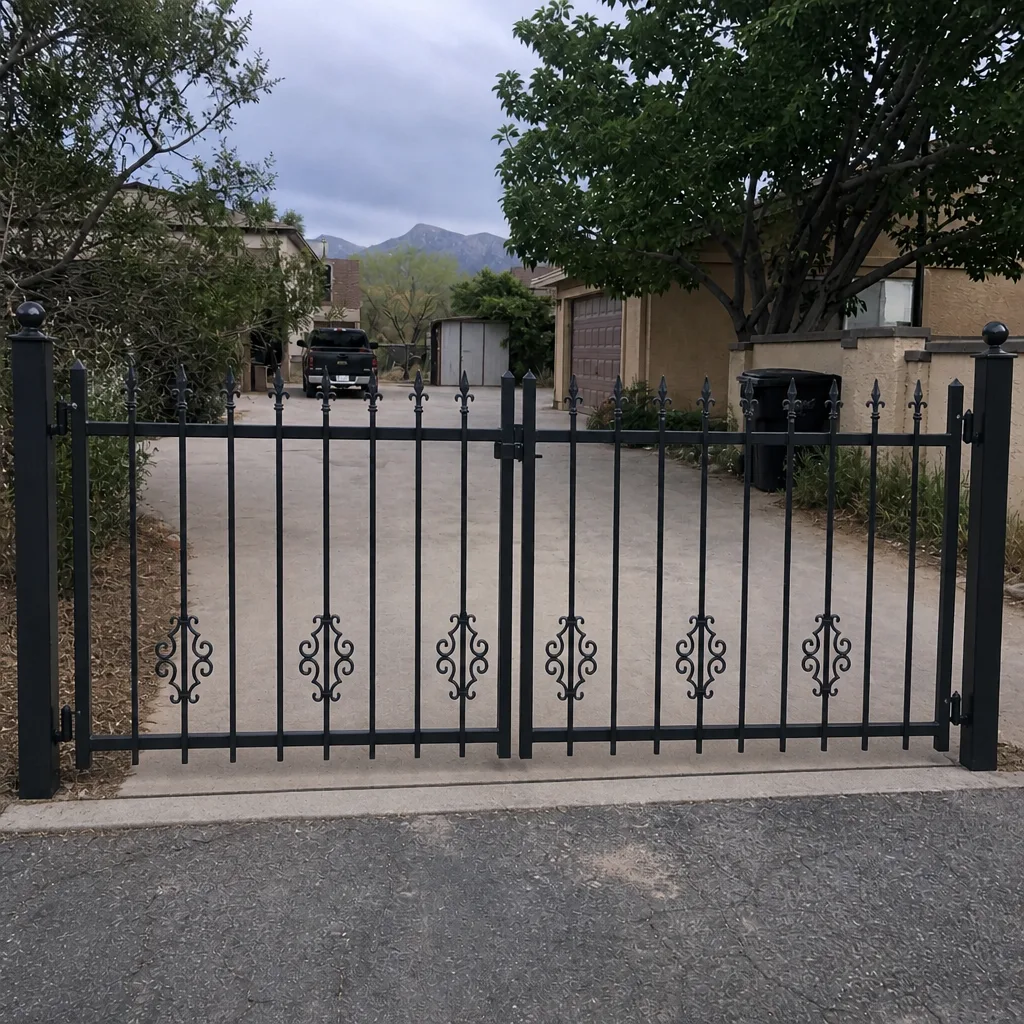
See the difference
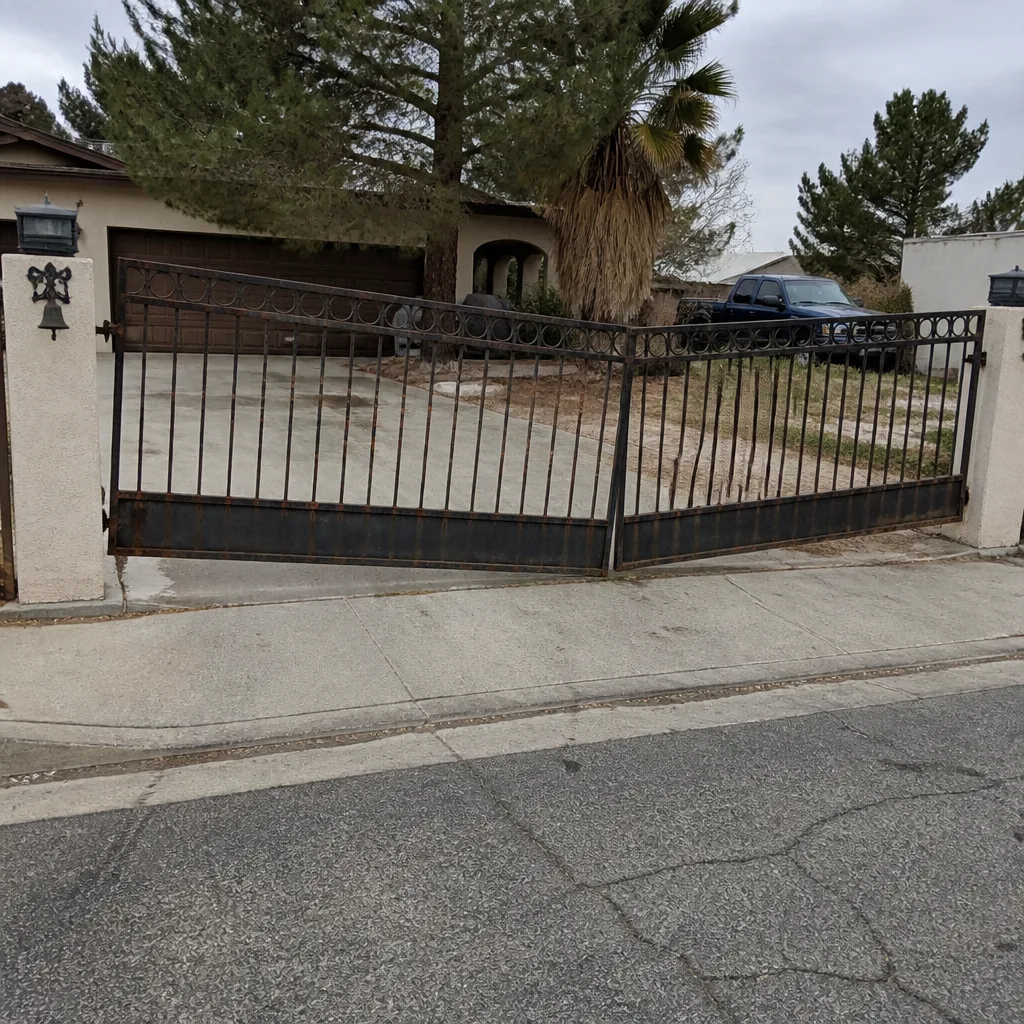 Before
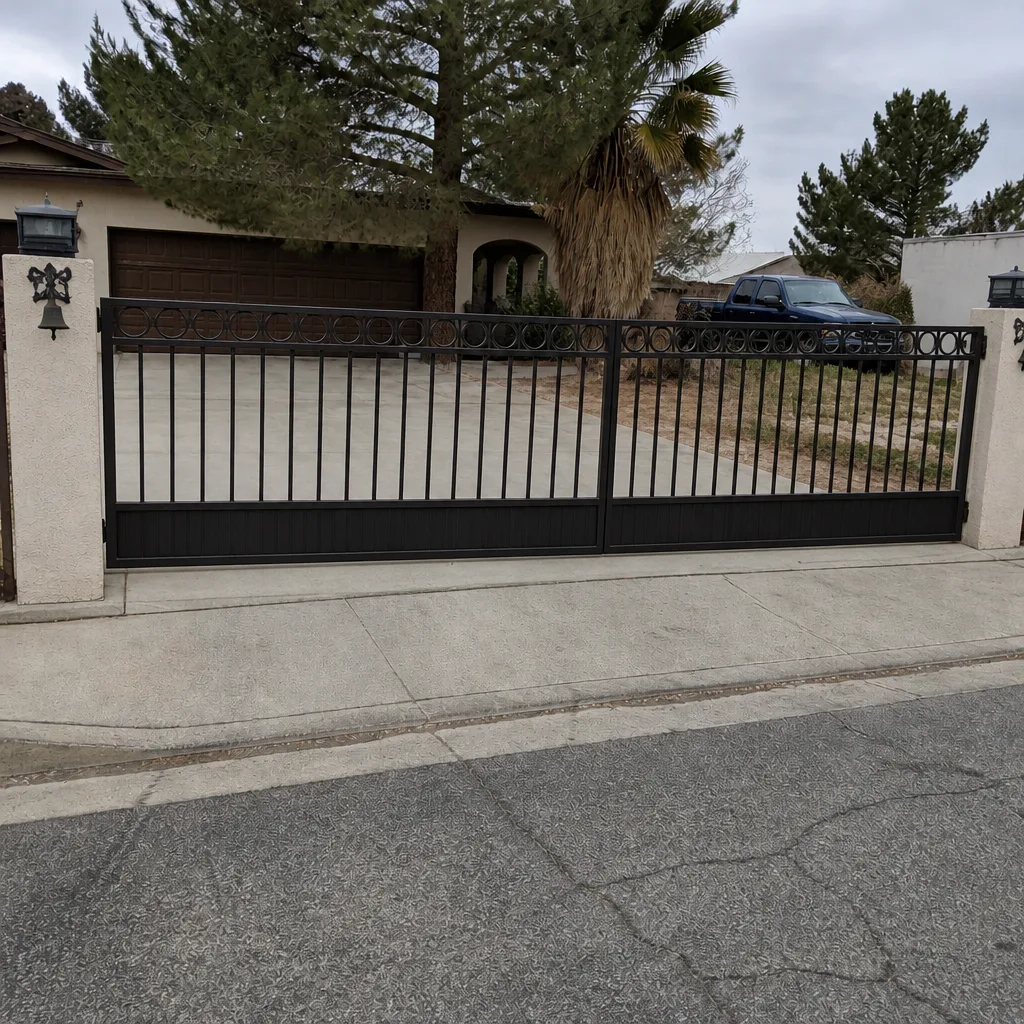 After
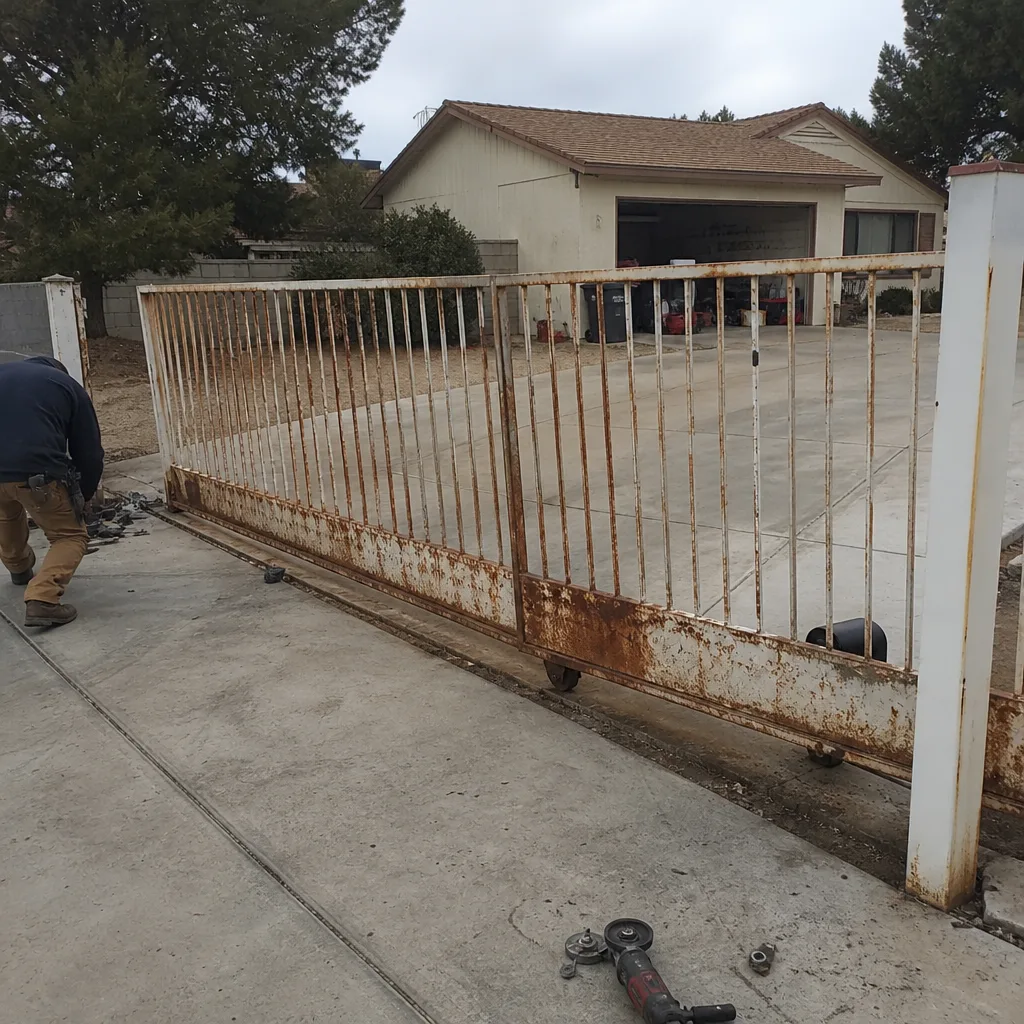 Before
 After
 Before
 After
When to Call a Professional
Some access control work is straightforward and anyone with a screwdriver and a manual can handle it – swapping batteries on a wireless keypad, wiping a fingerprint reader, or replacing a card fob. The catch is that most of the work beyond that touches the gate operator’s control board, the safety reversal system, or the low-voltage wiring, and getting any of those wrong creates a liability you don’t want on a driveway gate. Call a professional when the keypad powers on but won’t fire the gate, when the gate opens from inside but not outside, when the photo-eye or safety edge doesn’t reverse the gate, or when a new install needs a wiring run, a control board connection, or a pedestal. Anything involving an opener board terminal, a safety circuit, or a live low-voltage run is a call-out. Ironworks Gate Co. Mesquite offers free estimates in Mesquite – call (844) 797-2573. Every install we complete is written under the 90-Day Done Right Promise, and a live person answers that number any hour, any day.
Frequently Asked Questions
A standalone keypad install in Mesquite typically runs $180 to $650 depending on whether it’s wireless or wired, and whether a post or pedestal is needed. Wired keypads with a metal housing land at the higher end. The price is quoted and agreed before any work starts. Call (844) 797-2573 for an exact quote – estimates are free.
A keypad fits households with four or fewer regular users. A card reader fits households with six or more users, a shared driveway, or a rental where you need to revoke access cleanly when someone moves out. Card readers cost $400 to $1,200 installed. Call (844) 797-2573 and we’ll walk through the trade-off for your gate.
That depends on cell and Wi-Fi signal at the gate itself. Stand at your gate and check signal on every phone your household uses before buying a cloud-integrated system. If signal is marginal, choose a standalone keypad or local card reader – those work when the network doesn’t. Call (844) 797-2573 and we’ll run the signal check during a free estimate.
Yes. Most of our access control work is adding a keypad or reader to a gate that’s already installed. If buried low-voltage conduit exists, the install is straightforward. If not, we recommend wireless or solar options that skip the trench. Call (844) 797-2573 for a free assessment.
HOA gates are shared infrastructure managed by the board and require HOA-approved commercial-grade systems. Private gates belong to the homeowner, so you choose the tier, brand, and credentials. A private gate on a four-person household rarely needs commercial gear. Call (844) 797-2573 and we’ll tell you plainly which one fits.
Yes – every install includes the low-voltage wiring run or wireless alternative, the connection to the gate operator’s control board, and a full safety test of the photo-eye and safety edge reversal. We test the exit device and the code entry in the same visit before we leave. Call (844) 797-2573 to schedule a free measure and a written price.
The Bottom Line
The right access control system on a Mesquite gate is the one matched to two things: how many people actually use it, and how reliable your signal is at the gate. Most homeowners are best served by a wired keypad with metal housing at $280 to $650, plus an exit device. Card readers make sense past six users or a shared driveway. Video intercoms and smartphone systems are worth the jump only if you have regular visitors you can’t see or travel often enough that remote access matters. Match the device to your opener board, keep the brands consistent, and check signal at the gate before buying anything cloud-based. Done right, the system disappears into your daily routine – and you stop thinking about it.
If you’re ready to skip the guesswork and get a plainspoken recommendation for your Mesquite gate, call us for a free estimate. Our technicians have up to 13 years of experience, we service nine gate-automation brands including BFT, Linear, Viking, and Ghost Controls, and every job is backed in writing by the 90-Day Done Right Promise. Standing offers: $50 off any repair over $250, a free second opinion on any written estimate, an $89 seasonal tune-up, and a permanent 5% discount for seniors and veterans. Return to the Ironworks Gate Co. Mesquite home page to see the full range of what we do.
Contact us at (844) 797-2573 for a free estimate on gate access control in Mesquite. A live person answers any hour, any day.
Written by the team at Ironworks Gate Co. Mesquite.