
Last updated November 17, 2026
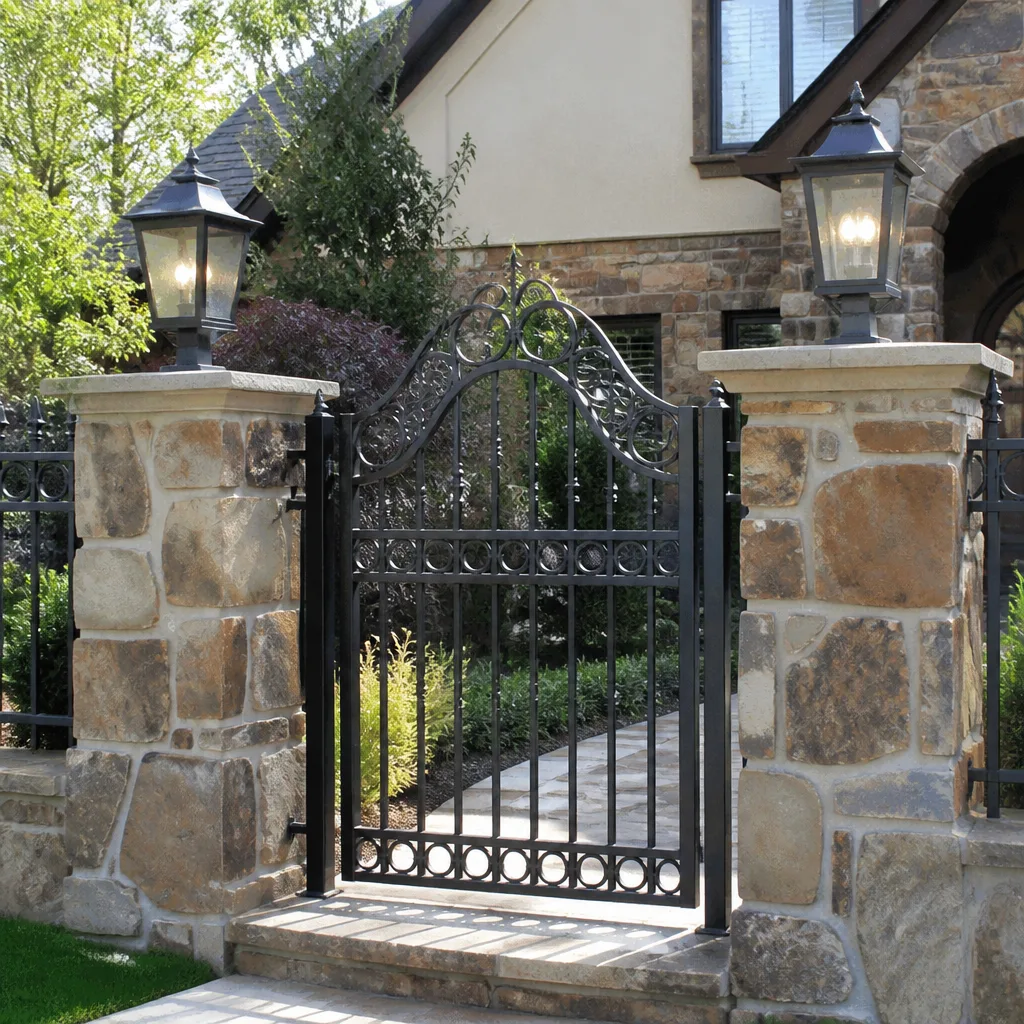 Wrought iron
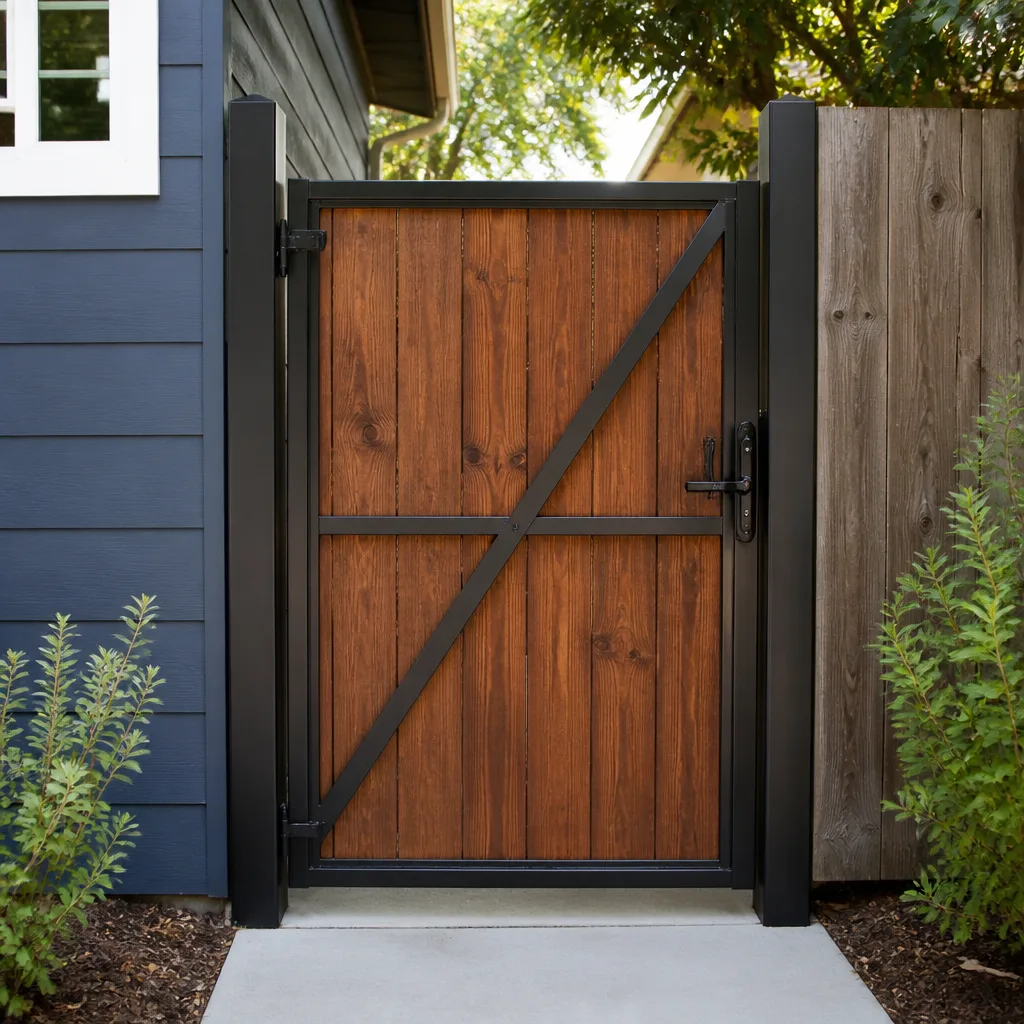 Wood & steel frame
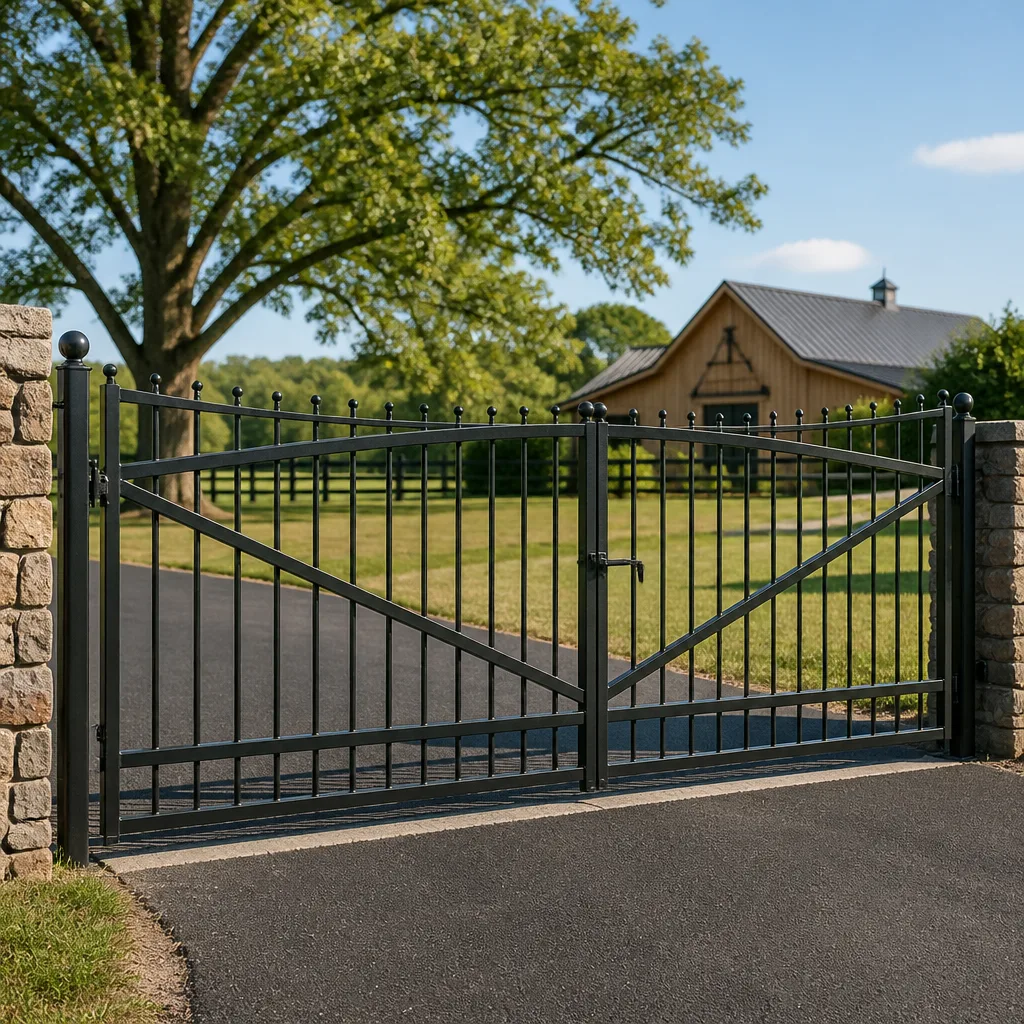 Farm & ranch
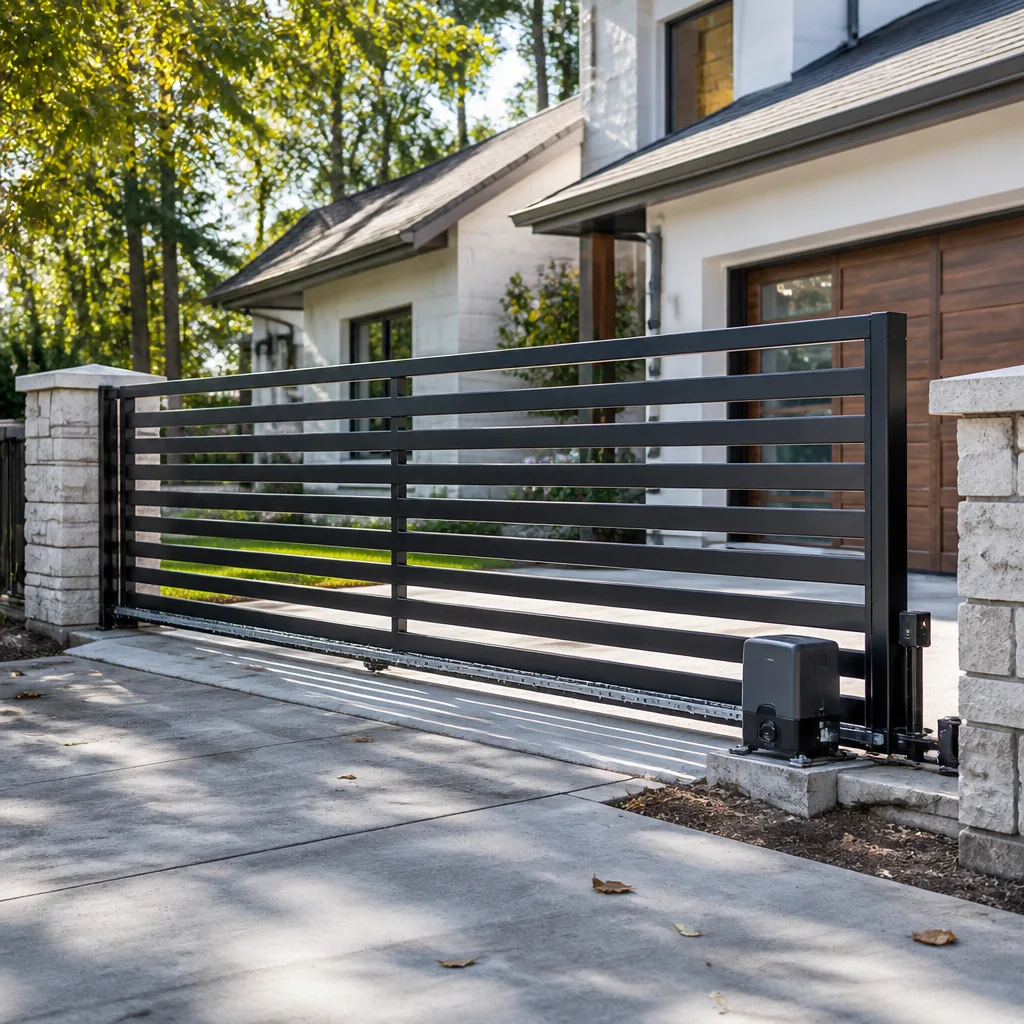 Sliding driveway gates
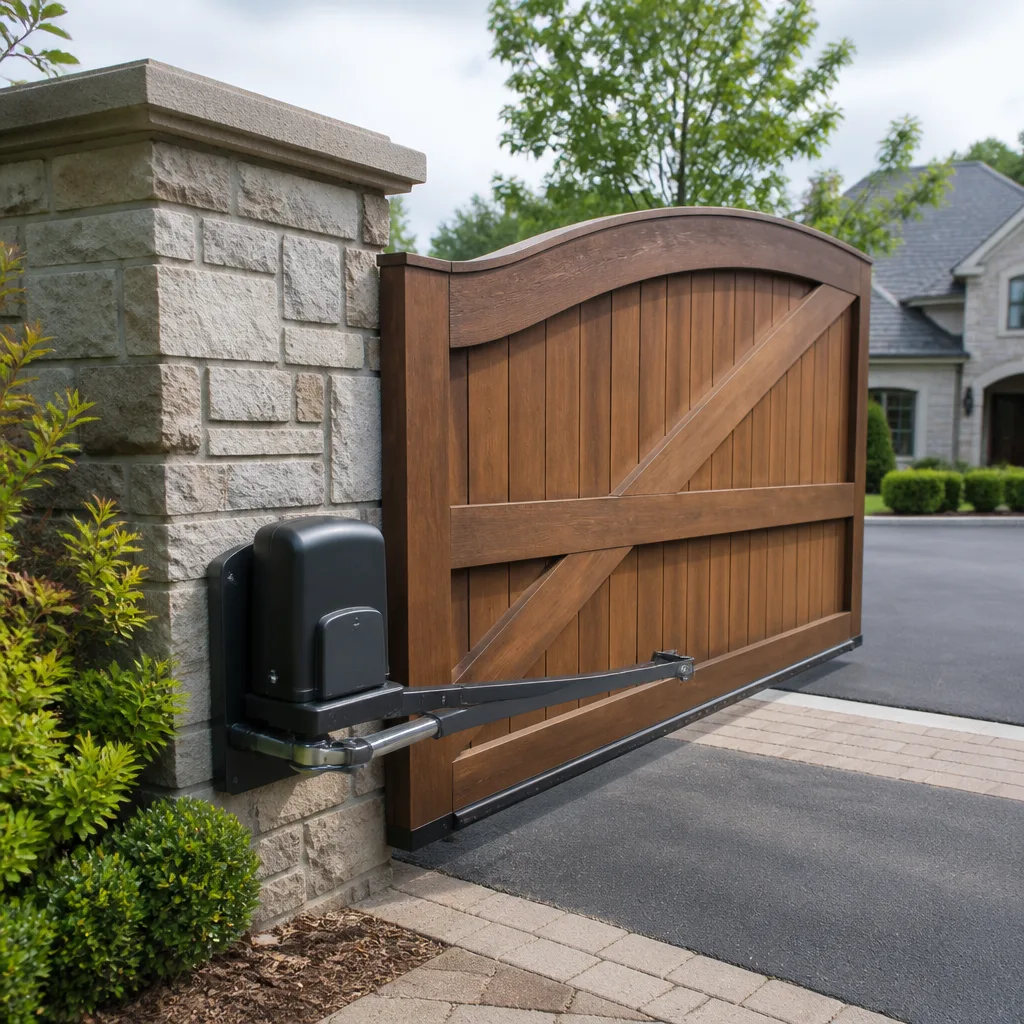 LiftMaster operators
Free on-site gate assessment - hinges, posts, and your LiftMaster or Nice gate operator checked before anything is quoted
The assessment is free and the quote is the invoice.
Get your free estimateHow Long Does Gate Access Control Take? Timelines and What to Expect
A gate opener can be physically mounted in about 90 minutes. Getting every credential, loop sensor, and fail-safe behavior verified correctly on a system like DoorKing or LiftMaster can take another two hours. That second phase is what decides whether the gate actually works when a delivery truck rolls up at dusk, or whether you’re on the phone three weeks later because the keypad let the wrong code through. Most homeowners are quoted the first number and never hear about the second, which is why access control timelines feel twice as long as promised. In this guide we’ll separate the hands-on install from the commissioning work, give you realistic time ranges by job type, and explain what Mesquite’s caliche soil and hard sun do to a schedule that looked simple on the phone.
Quick Answer
A keypad-only swap usually takes 1 to 2 hours. A full access control system with a new controller, keypad, and safety loops runs 4 to 6 hours. A multi-entry credential overhaul across several gates or entry points typically takes a full day, sometimes two. Add time in Mesquite for conduit runs through caliche and for the commissioning checklist that a careful installer never skips.
Styles & brands we work with
- Wrought iron
- Wood & steel frame
- Farm & ranch
- Sliding driveway gates
- LiftMaster operators
Table of Contents
- The Three Phases of an Access Control Job
- Realistic Timelines by Job Type
- The Commissioning Phase Most Installers Skip
- Why Mesquite Site Conditions Add Time
- What to Have Ready Before We Arrive
- How the 90-Day Done Right Promise Changes the Math
- Common Mistakes to Avoid
- Frequently Asked Questions
The Three Phases of an Access Control Job
When we quote an access control job in Mesquite, we’re really quoting three separate phases. Most phone estimates only cover the first one. That gap is the source of nearly every scheduling complaint we hear.
- Physical installation. Mounting the keypad or card reader, running wire to the controller, securing the housing, and connecting power. On a simple replacement this is 1 to 2 hours. On a new system with fresh conduit, it can be half a day.
- System configuration. Loading credentials, setting access schedules, configuring the controller (DoorKing and LiftMaster both have their own menus that reward someone who knows them), and integrating with the gate operator’s open/close logic. This runs 45 minutes to 2 hours depending on complexity.
- Commissioning and testing. Verifying every credential works, checking that the safety loops and photo eyes stop the gate correctly, testing fail-safe behavior on power loss, and walking through the whole sequence with you before we leave. Plan on 30 to 90 minutes.
For more on the gate hardware that this automation attaches to, see our Gate Motor & Opener in Mesquite page. For a sense of the broader work involved, our Ironworks Gate Co. Mesquite home page covers the full scope of what we do.
Realistic Timelines by Job Type
Here’s what we actually see on jobs in Mesquite, broken out by scope. These ranges assume the property is accessible and the wiring path is straightforward. Add an hour or two when it isn’t.
- Keypad-only swap (like-for-like replacement): 1 to 2 hours. Same brand, same wiring, straightforward credential reload.
- New keypad on existing operator: 2 to 3 hours. New wiring run to the controller, fresh mounting, full credential programming.
- Full access control system (new controller, keypad, safety loops): 4 to 6 hours, sometimes more if a conduit run is needed.
- Card reader or proximity system with management software: 5 to 8 hours, plus a short follow-up walkthrough once you’ve had a few days to use it.
- Multi-entry credential overhaul (several gates, unified access): 1 to 2 days. Larger properties with multiple entry points and shared credential management take the longest.
- Integration with an existing smart-home or intercom system: add 1 to 3 hours depending on the platform.
For a full gate replacement rather than an access control upgrade, our Gate Installation in Mesquite page covers those timelines separately, since installation is measured and scheduled rather than dispatched same-day.
The Commissioning Phase Most Installers Skip
A one-truck operator under time pressure will often mount the hardware, load the codes, watch the gate open once, and leave. It looks finished. It isn’t. Commissioning is what catches the problems that show up under real use, and it’s the phase we never skip, whether it’s a Mighty Mule single-gate setup or a DoorKing multi-entry system.
Here’s what a proper commissioning checklist covers:
- Every credential tested, one by one. Not just the master code. Each keypad code, card, fob, or remote confirmed against the controller.
- Safety loop and photo-eye behavior verified. A vehicle sitting on the loop should hold the gate open. A person crossing the photo eye should reverse the gate. If either is wrong, the gate is a hazard, not an access control system.
- Fail-safe behavior on power loss. Either fail-secure (gate stays put) or fail-safe (gate releases), confirmed to match your property’s needs.
- Access schedules tested. If a code should work only 7 a.m. to 7 p.m., we test that it stops working at 7:01 p.m.
- Walkthrough with you. You should leave the visit knowing how to add or remove a code, how to check the battery backup, and who to call if something misbehaves.
Skipping that list is why so many homeowners in Mesquite end up calling us back within 90 days. A five-minute shortcut during install becomes a two-hour callback later.
Why Mesquite Site Conditions Add Time
Mesquite looks like easy ground. It isn’t. Anyone who has dug a fence post in this town knows what caliche does to a shovel, and conduit runs hit the same wall. Here’s what adds time on a Mesquite access control job that a phone quote can’t see.
- Caliche and hardpan. Running conduit from the controller to a keypad often means working through caliche layers that stop a hand trowel cold. A run that looks like 30 minutes can take two hours.
- Sun-baked concrete anchors. Anchors set in concrete that has cured under Mesquite summers don’t give easily. Replacing a keypad post sometimes means cutting out old concrete and re-pouring, which is a second visit.
- Heat and wiring. Direct-sun exposure on an outdoor keypad housing matters. We often add a sun shade or reposition the mount, and that’s another 20 to 40 minutes.
- Dust and gate track alignment. Mesquite wind-blown dust gets into gate tracks and rollers. If the gate isn’t sliding cleanly, we fix that before we commission the access control, because a binding gate will eventually trip the operator’s limits and lock you out.
- Monsoon drainage. Wash areas that flood during summer storms can undermine a new controller housing. We’ll sometimes raise a housing or re-route wiring before installing.
None of these are unusual. They’re the reason we prefer to look at the site in person before quoting, rather than sizing the job from a photo. Our Gate Repair in Mesquite page covers the kind of repairs we handle on gates that have already been installed and are now showing their age.
What to Have Ready Before We Arrive
A few simple preparations can save an hour or more on installation day. These apply to most Mesquite access control jobs.
- The current access list. Names, codes, cards, or fobs you want loaded, and the access schedules if any. Don’t make us guess.
- Property access. Gate codes, keypad permissions, or someone on-site to let us in. If a code is locked out, we can’t just rewrite the controller without it.
- Any written quotes or prior service records. We offer a free second opinion on any written estimate, and having the last technician’s notes in hand shortens configuration time.
- Manufacturer and model numbers, if known. LiftMaster and Elite systems, for example, have different menu trees. Knowing the model saves hunting time at install.
- Power source clarity. Which circuit feeds the operator, and whether there’s a nearby outlet or a low-voltage run somewhere else. If you’re not sure, we’ll trace it on arrival, but any answer you have helps.
- A few minutes of your time at the end. The walkthrough phase is faster if you can be there to try a code yourself while we’re still on site.
If you’re not sure what you have, that’s fine. We’d rather see it in person than guess. Scheduling is by appointment, since access control work is measured and quoted rather than dispatched same-day.
How the 90-Day Done Right Promise Changes the Math
Here’s the counterintuitive part. A job done right the first time takes longer, and it takes less of your time overall.
A rushed install that skips commissioning typically ends in a callback: a gate that stops responding, a code that misbehaves, a safety loop that intermittently faults. That callback costs you another half day off work, another round of phone calls, another chunk of your week gone. A thorough install that takes an extra 90 minutes on the front end usually never needs a callback. And if it does, the 90-Day Done Right Promise means we come back and make it right, written, no arguing, no paperwork. That’s the Keystone Standard on every job.
In practice, our Mesquite customers who choose the full commissioning visit spend more time on install day and get months of quiet afterward. The ones who opt for the quick version usually call back within the 90-day window. We know which one we’d pick. For a fuller breakdown of the systems involved, our Ironworks Gate Co. Mesquite home page walks through what we service and how we approach the work.
Common Mistakes to Avoid
- Quoting the install and forgetting the commissioning. If the estimate you receive only covers mounting the hardware, ask what happens after. Otherwise you’ll be the one discovering the oversight at 9 p.m. when the gate won’t open.
- Assuming caliche won’t slow things down. In Mesquite, digging through caliche can double a conduit run. A quote that doesn’t account for it isn’t wrong, it’s incomplete.
- Replacing a keypad without checking the operator. A new keypad on a failing operator still fails. Have the whole system looked at together.
- Skipping the safety loop test. A gate that doesn’t reverse when a person crosses the beam is a serious hazard. Test it on install day, not later.
- Adding credentials without removing old ones. Former contractors, service people, and neighbors should come off the list when they no longer need access. Reload the list clean on install day.
- Buying hardware online before seeing the site. Model compatibility varies. A Mighty Mule keypad won’t talk to a LiftMaster controller. Have the system sized first, then order.
- Not asking about the walkthrough. If the technician doesn’t plan to walk you through the system, find one who will. It’s a 15-minute conversation that prevents most 9 p.m. emergencies.
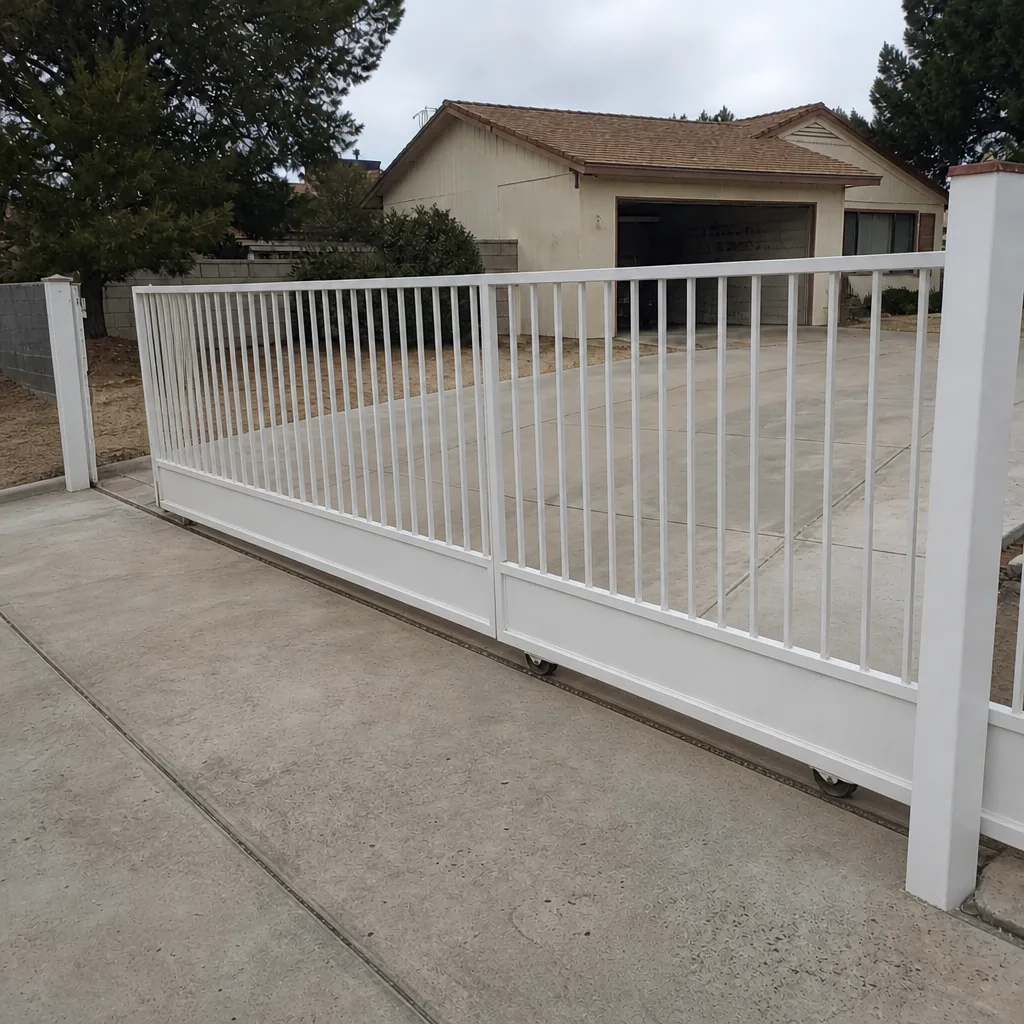
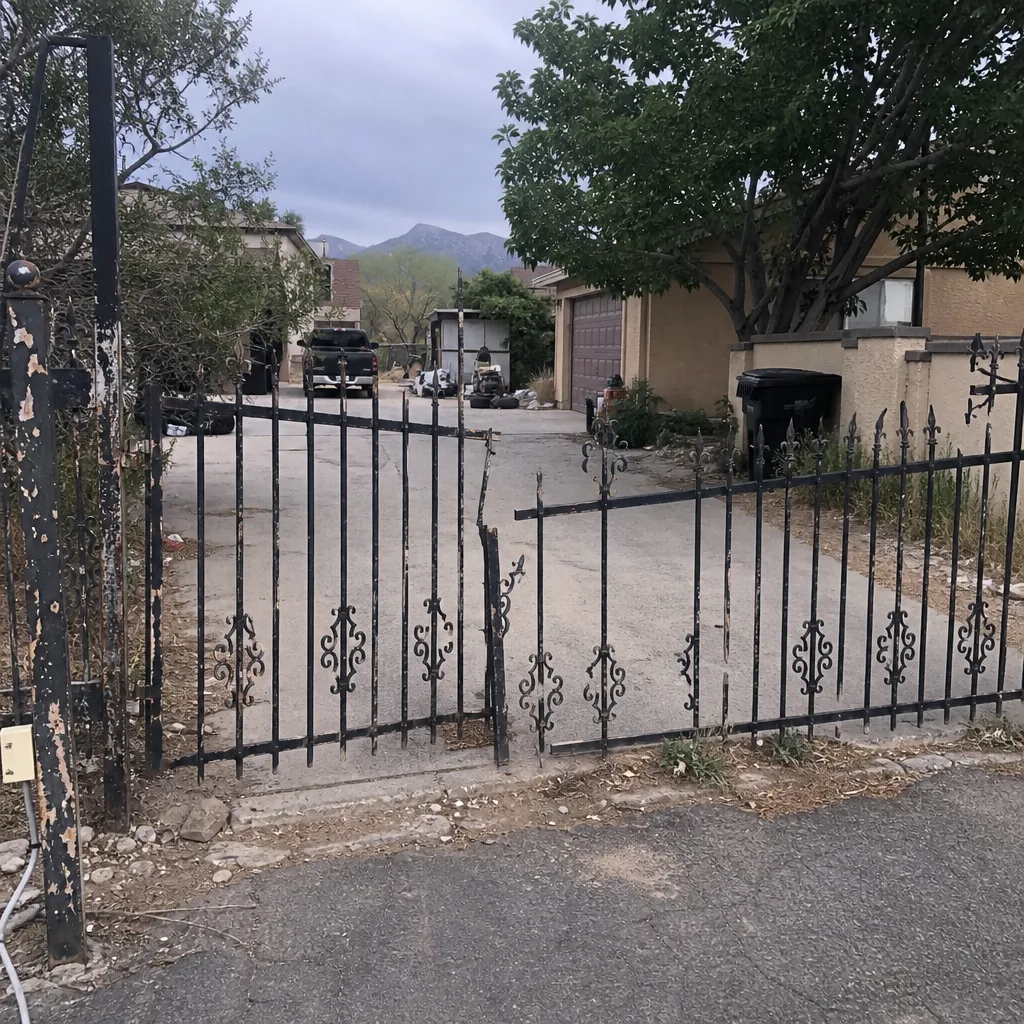
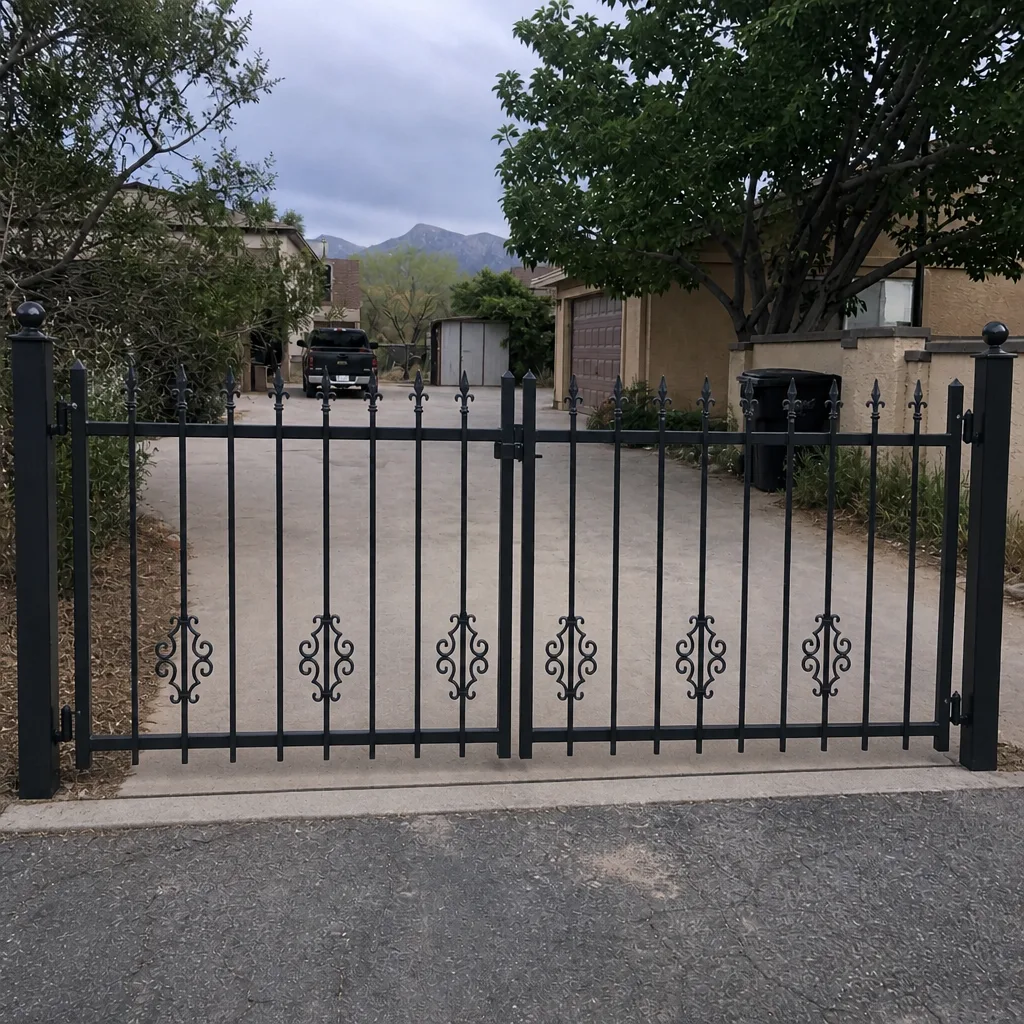
See the difference
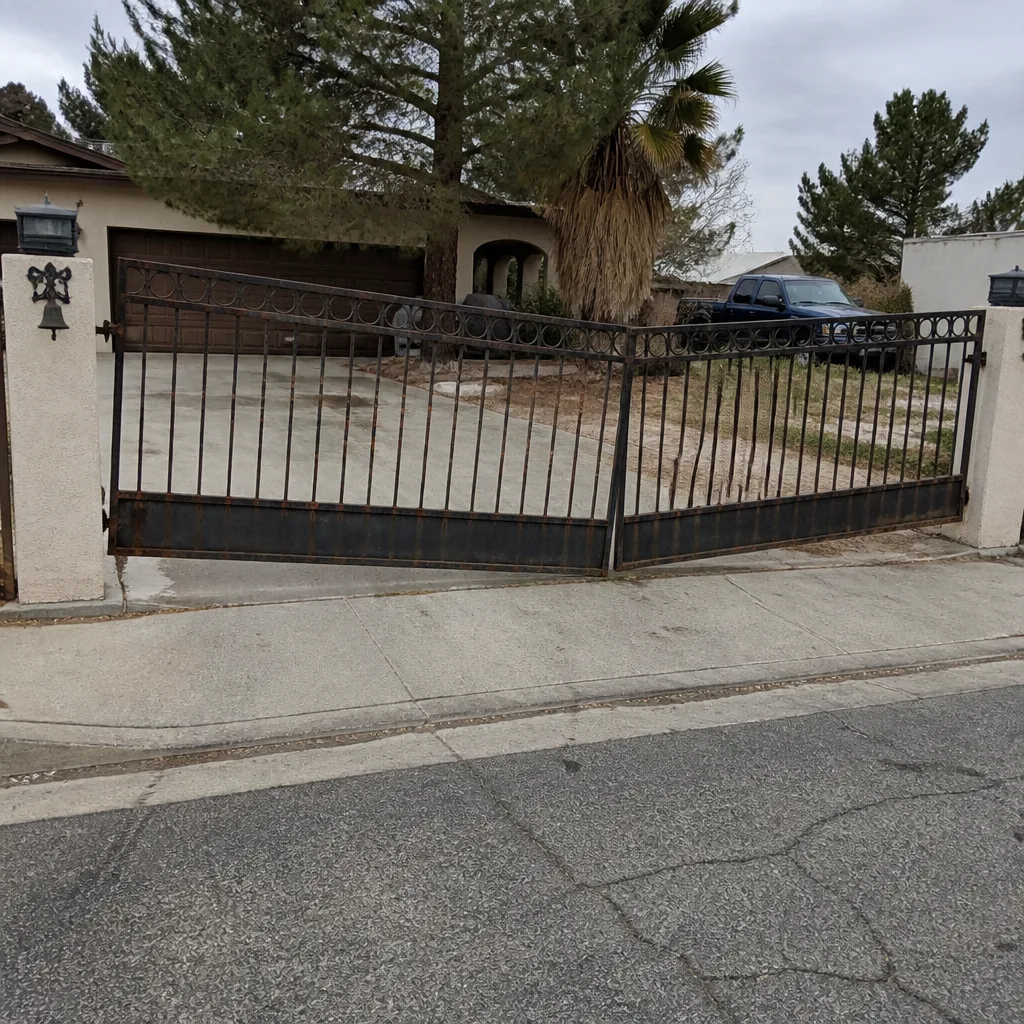 Before
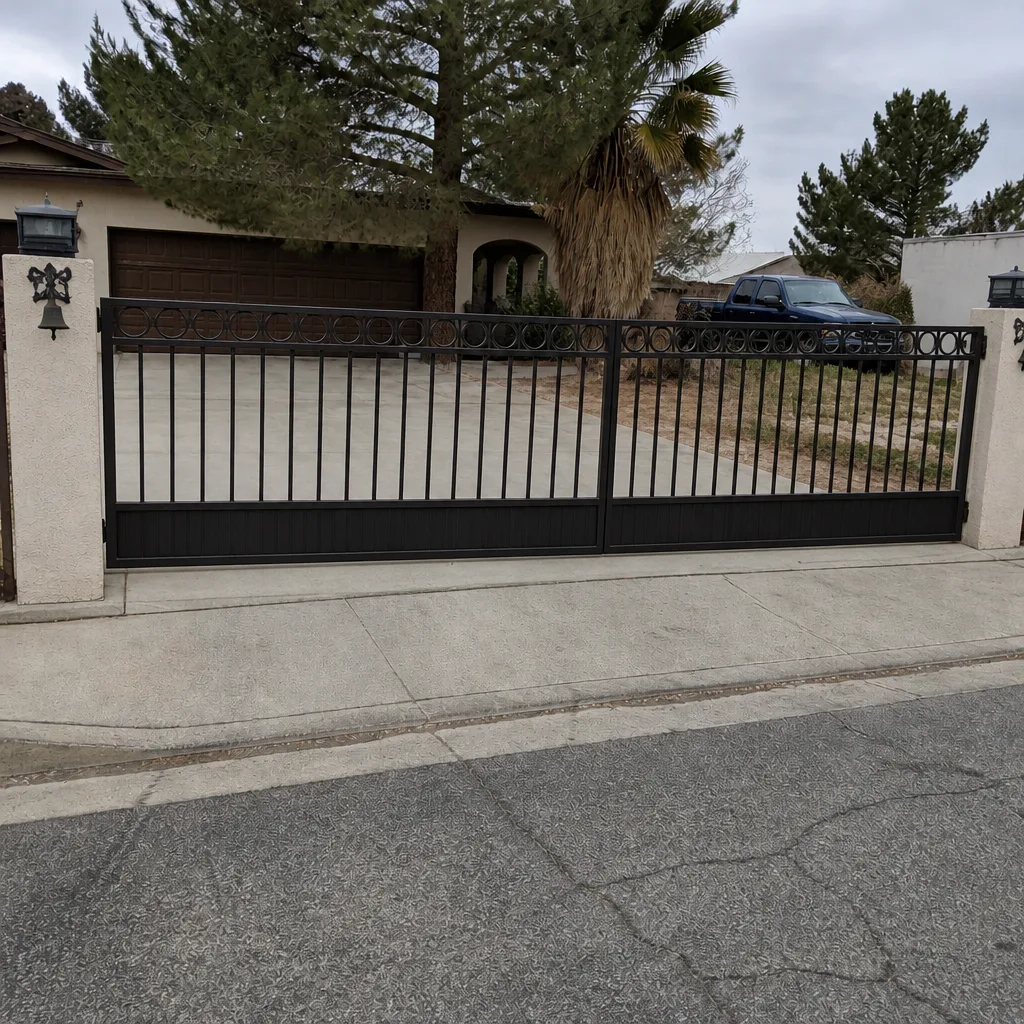 After
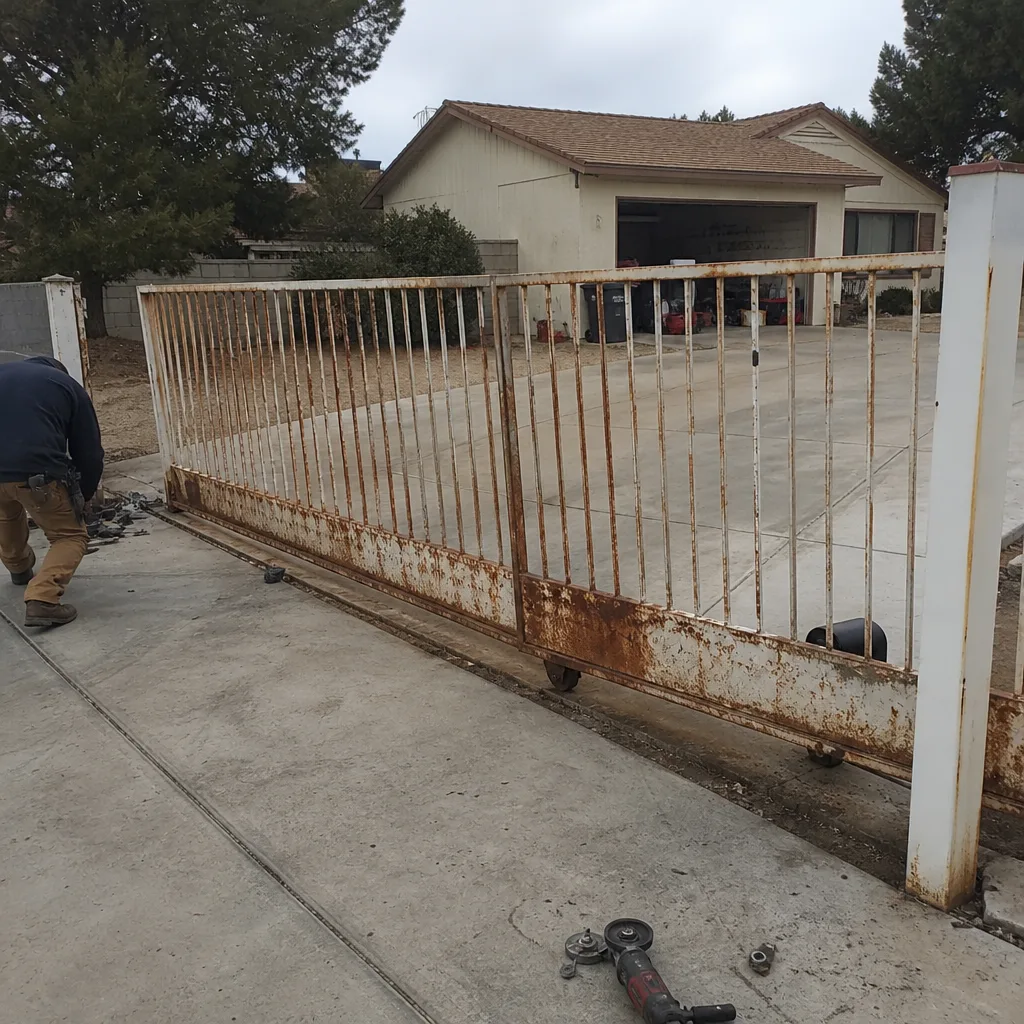 Before
 After
 Before
 After
When to Call a Professional
Some access control jobs are simple reissues: a lost code, a battery that needs swapping, a keypad display that’s gone dim. Those don’t need us. The ones that do need a professional include: any job involving new wiring or conduit; any system integration with an existing operator; any situation where safety loops or photo eyes are involved; any multi-entry credential overhaul; any gate that’s binding on its track; and any system where the previous installer’s work has started to fall apart. Those jobs are where a trained eye saves you money rather than costing it. If your gate is safe to be around but you’re not sure who to call, Ironworks Gate Co. Mesquite offers free estimates in Mesquite and a free second opinion on any written estimate. Call (844) 797-2573.
Frequently Asked Questions
A keypad-only replacement takes 1 to 2 hours. A full access control system with a new controller, keypad, and safety loops runs 4 to 6 hours. Multi-entry systems usually take a full day. In Mesquite, add time for conduit runs through caliche and for hard sun-baked concrete anchors that need re-pouring.
Not usually for installation or new access control setups, since those are measured and scheduled, not dispatched same-day. For repair and emergency issues, our live phone line reaches a person any time, day or night. Call (844) 797-2573 and we’ll tell you honestly what’s realistic for today.
Commissioning includes testing every credential one by one, verifying safety loop and photo-eye behavior, confirming fail-safe behavior on power loss, testing access schedules, and walking you through the system before we leave. That phase takes 30 to 90 minutes and is what makes the difference between a system that works and one that generates callback visits.
No. We quote and agree on the price before any work starts. If we encounter something genuinely unexpected under a Mesquite driveway, we talk to you first and agree on any adjustment before we proceed. A square deal means no surprises on the bill.
Yes. Power runs, conduit, low-voltage wiring, and safety edges or photo eyes are all part of the standard access control scope. We also raise or re-route housings where Mesquite sun or monsoon drainage would otherwise shorten the life of the system.
Every completed job is covered for 90 days. If something we installed or configured isn’t right, we come back and make it right. No paperwork, no arguing, no exceptions. That’s the Keystone Standard, and it’s on every job we do.
The Bottom Line
Gate access control timelines are longer than the phone quote suggests because the quote usually covers mounting, not commissioning. Plan on 1 to 2 hours for a keypad swap, 4 to 6 hours for a full system, and a full day for multi-entry. In Mesquite, add time for caliche, hard sun, and old concrete. Do the prep work, insist on the commissioning visit, and expect a slower install day with far quieter months afterward. If you want the job done once, done correctly, and guaranteed in writing, call Ironworks Gate Co. Mesquite at (844) 797-2573 for a free estimate. We’ll be there when we say, and we stand behind it.
Written by the team at Ironworks Gate Co. Mesquite.